


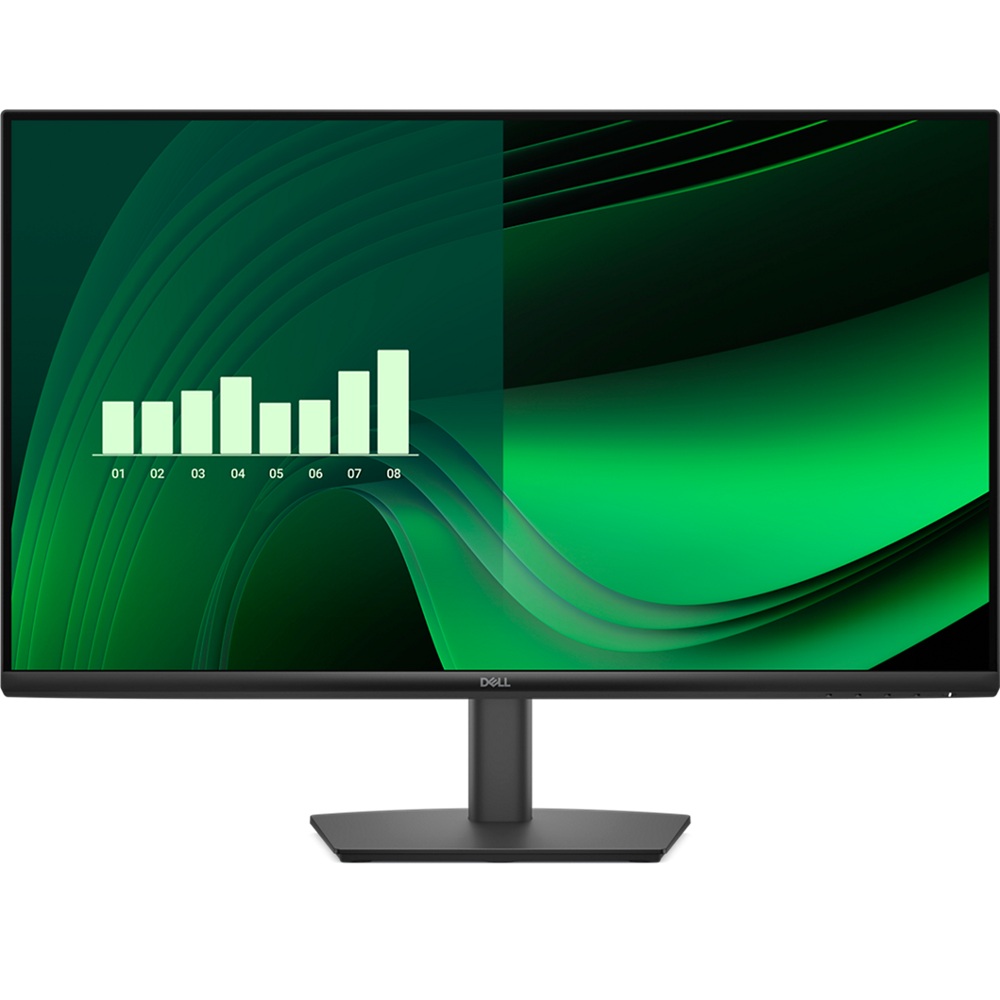
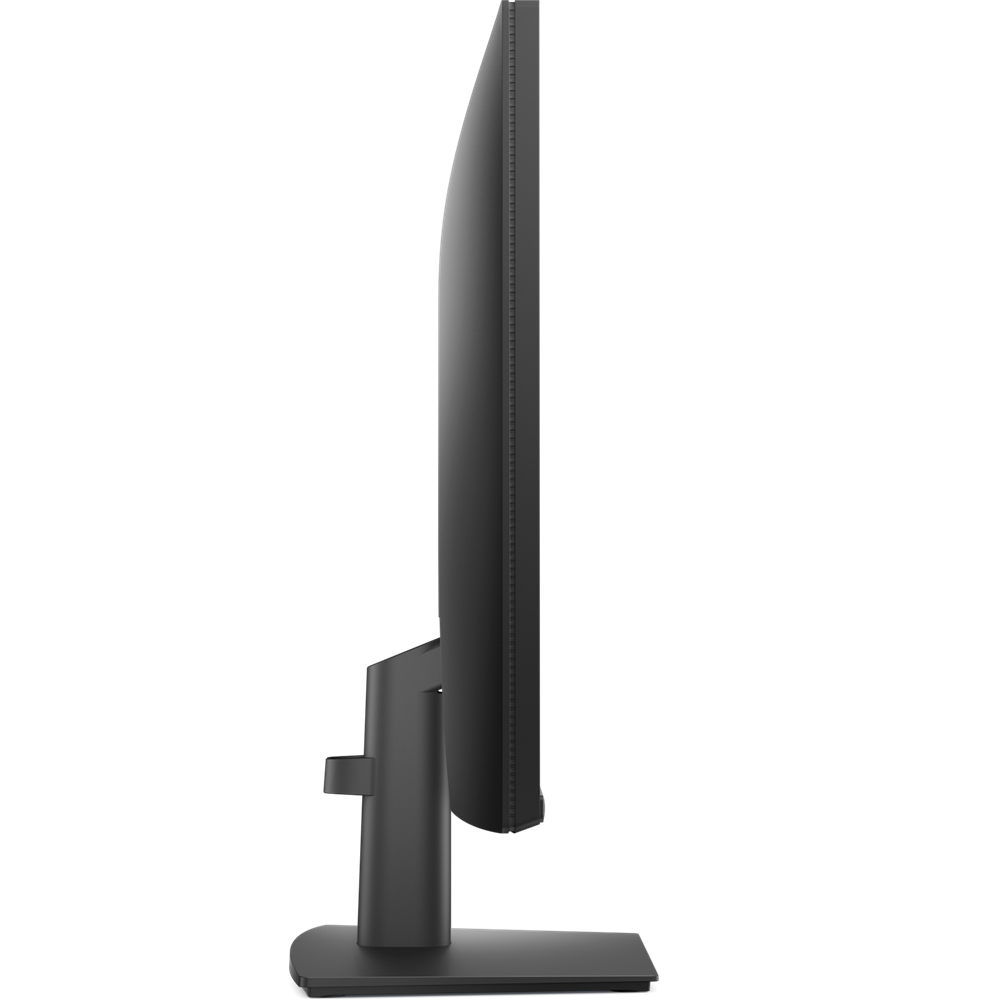
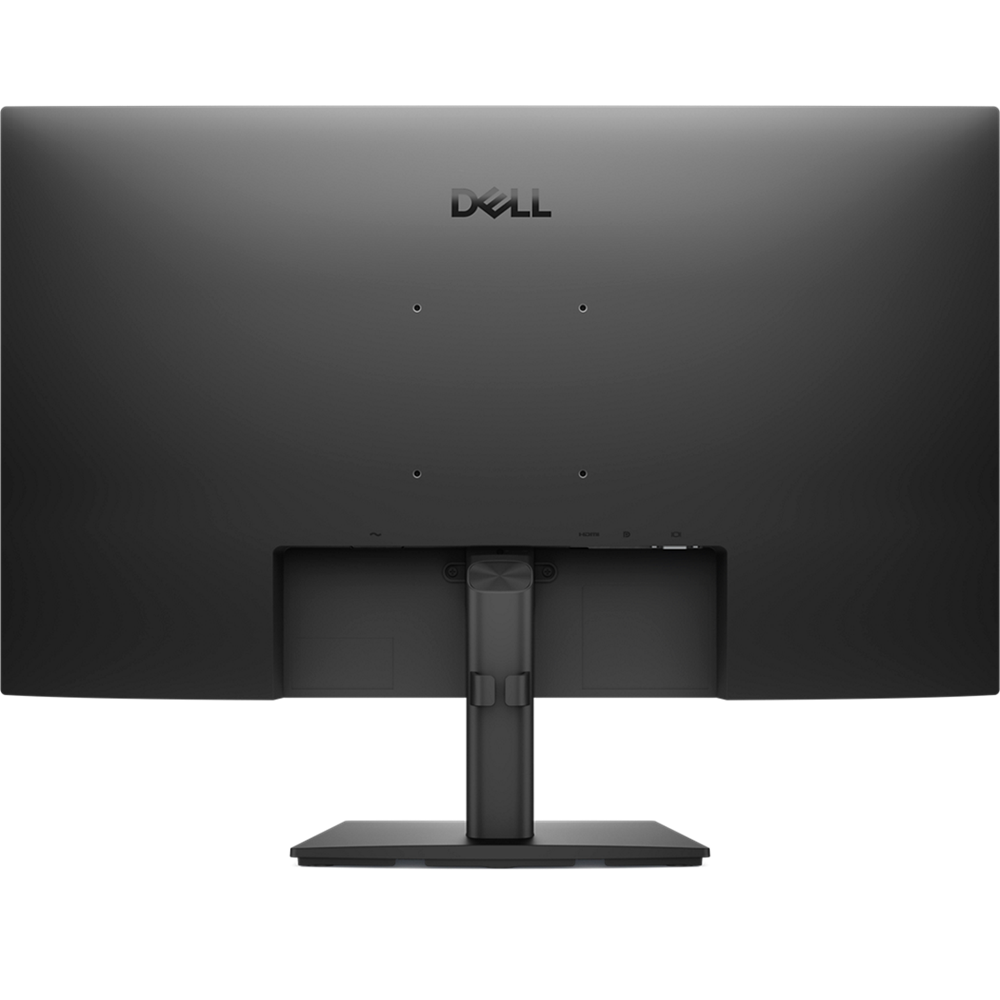
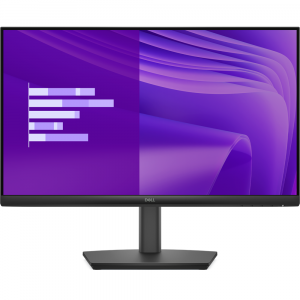
Dell Pro 27″ E2725HM IPS 100Hz FHD 5ms Eye Comfort Monitor, DisplayPort / HDMI / VGA Ports
Original price was: KD 42.000.KD 34.000Current price is: KD 34.000.
Dell
Size 27″
Panel Type IPS
1920 x 1080 at 100 Hz
Response Time – 5 ms
Tilt, Wall mount, DisplayPort / HDMI / VGA
In stock
Dell

Minimize harmful blue light exposure without sacrificing color accuracy. See the altered color quality with software-enabled low blue light technology and Dell’s built-in ComfortView Plus.
ComfortView Plus
See the difference when ComfortView Plus helps dial back the yellow hues to ensure better colour fidelity, compared to the results of software-enabled low blue light technology[2].
Dell Display and Peripheral Manager
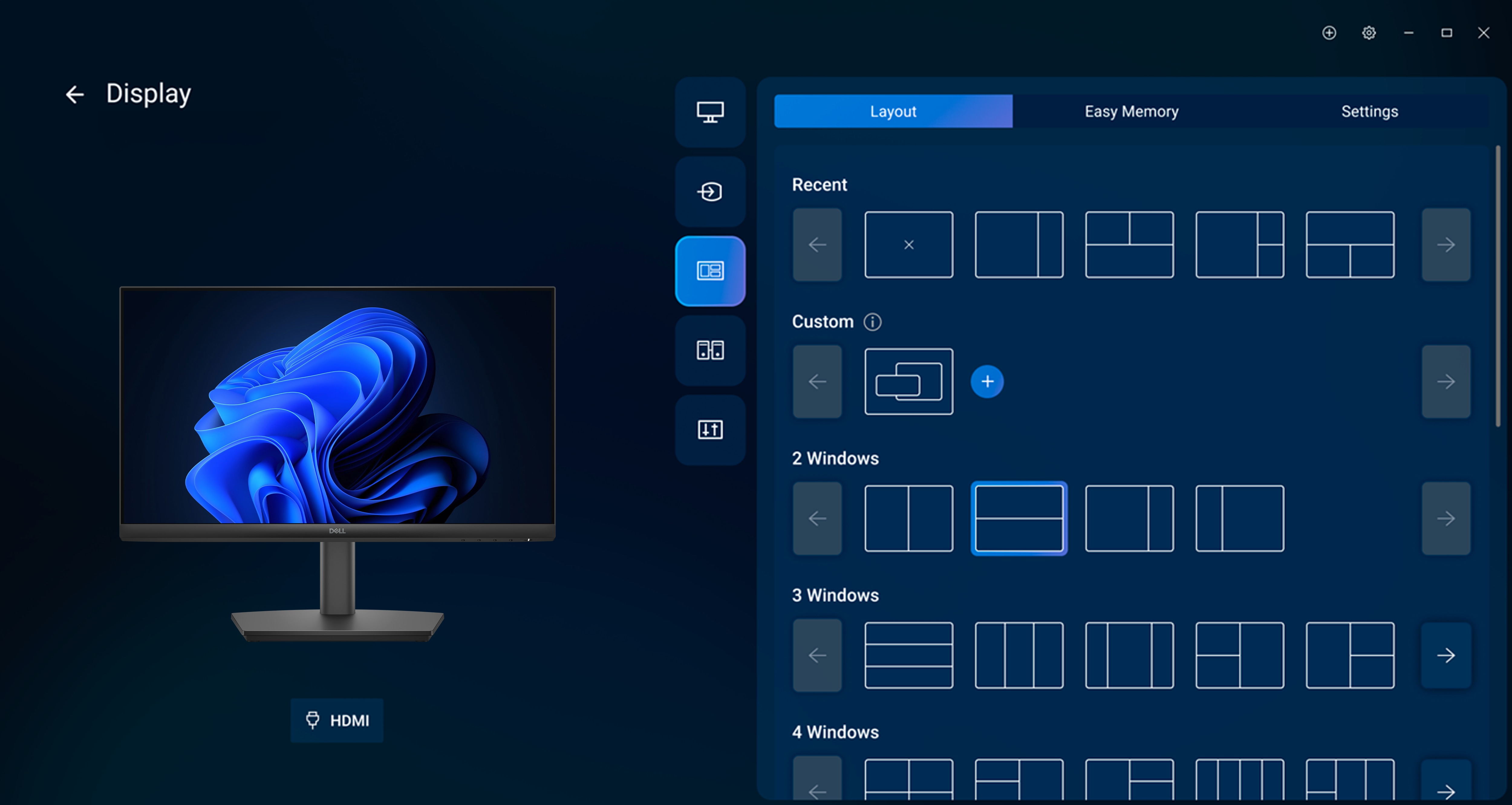
Easy Arrange tiles apps across screens with pre-set partitions and customises up to five windows, enhancing multitasking. Easy Arrange Memory saves and restores app profiles manually, on schedule, or at start-up.
Customise your views
Work comfortably, day or night. Automate your brightness and contrast settings to match your schedule.
More manageable
Save time and boost IT efficiency with the Dell Device Management Console to manage your Dell peripheral fleet at scale, from a single cloud-based console. Discover expanded Command Line Interface features from Dell Display and Peripheral Manager[4].
Learn more about Dell Display and Peripheral Manager
Disclaimer: Screen image simulated for illustrative purposes only. Monitor model may vary.
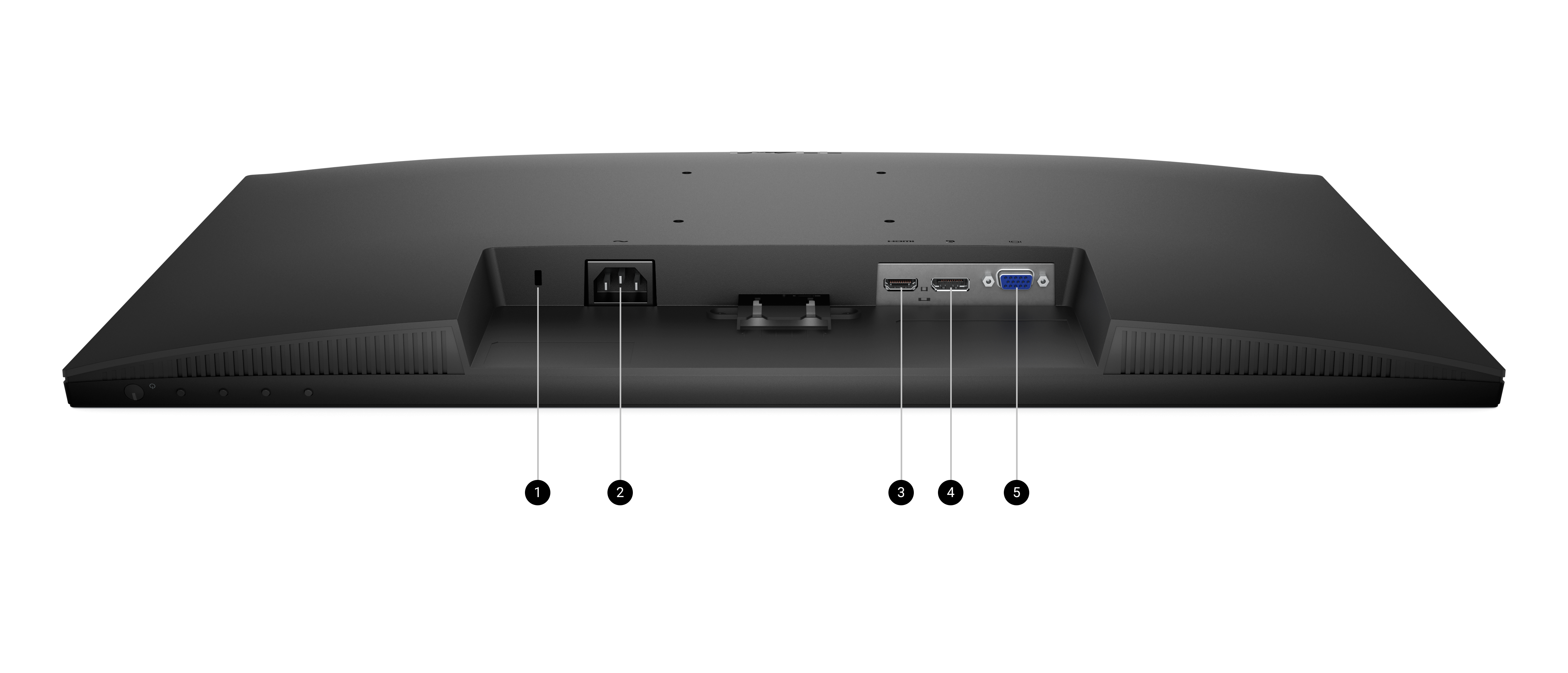
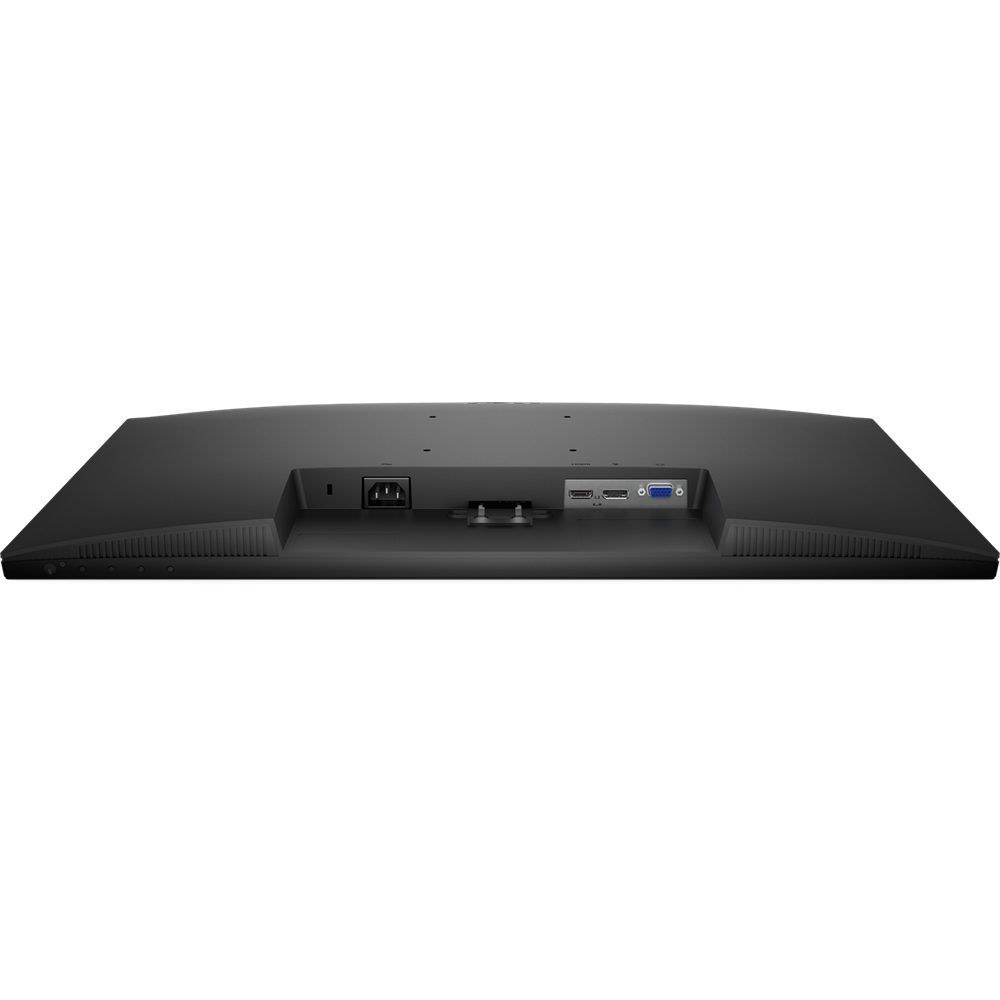
Ports and slots
| Brand Name | Dell |
|---|---|
| Monitor Type | Office |
| Screen Size | 27 inch |
| Width Type | Wide |
| Curvature type | Flat |
| Display Type | IPS |
| Resolution | 1K FHD |
| Refresh Rate | 100hz |
| Response Time | 5ms, 8ms |
| Ports | DisplayPort 1.2, HDMI 1.4, VGA |
| Features | Tilt, Wall-Mount |