



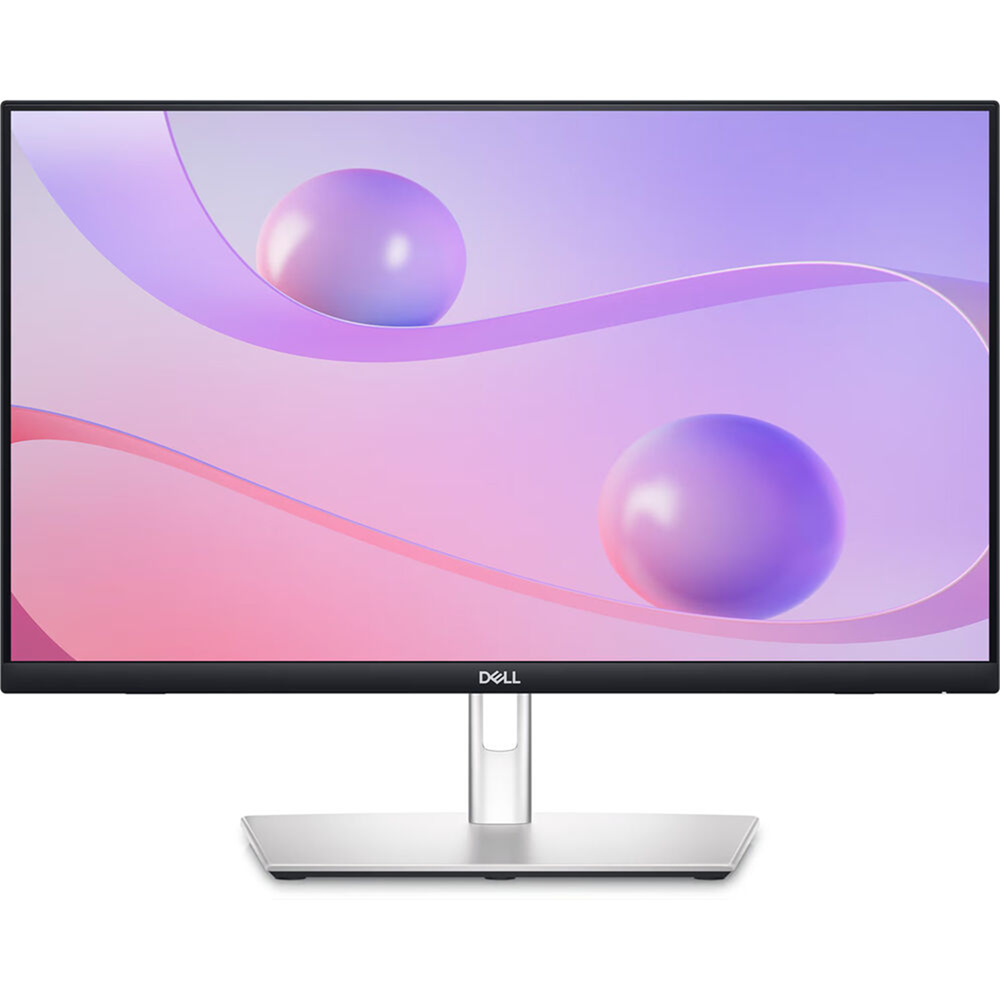
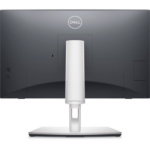
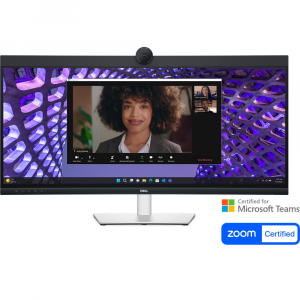
Dell Pro 24″ Plus P2424HT Touch Screen IPS FHD Speaker USB-C 90W Adjustable Monitor, DisplayPort, HDMI, RJ45
Original price was: KD 99.000.KD 88.000Current price is: KD 88.000.
Dell P2424HT
Size 23.8″
Touchscreen
Panel Type IPS
1920 x 1080 at 60 Hz
Response Time – 5 ms
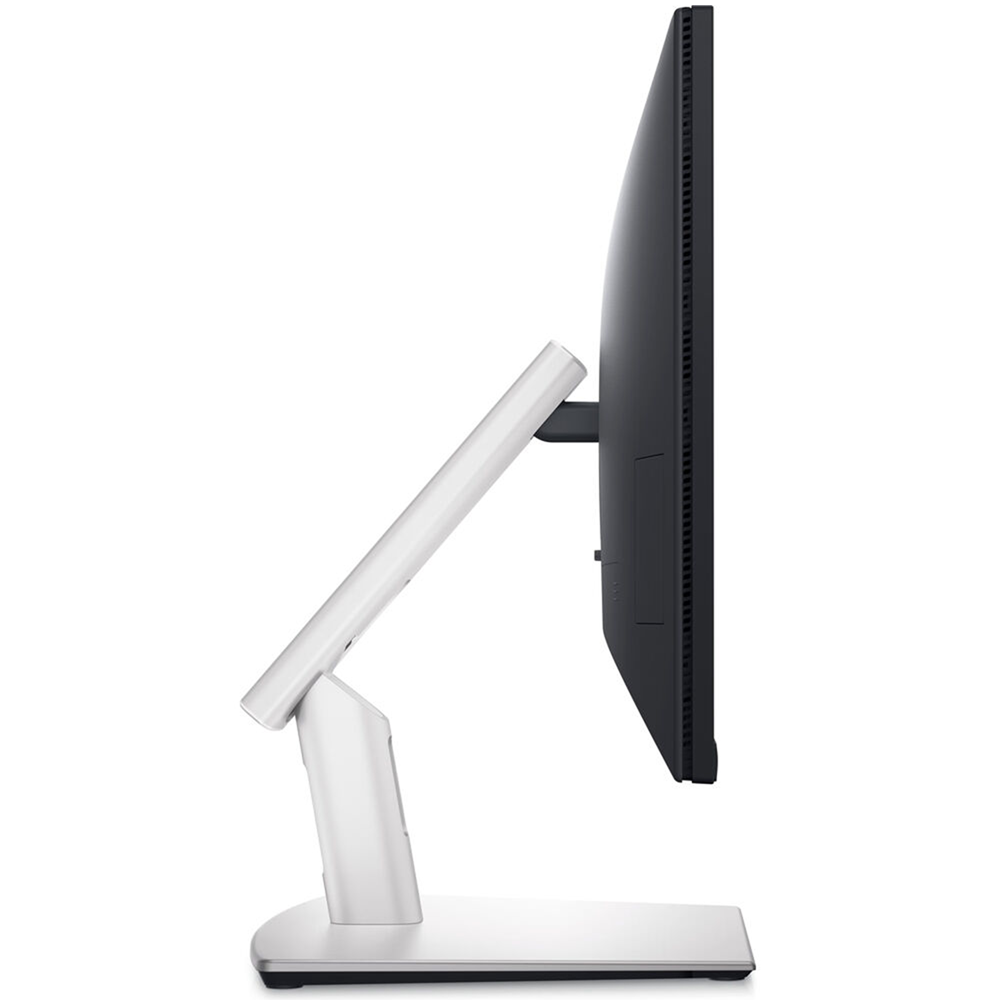
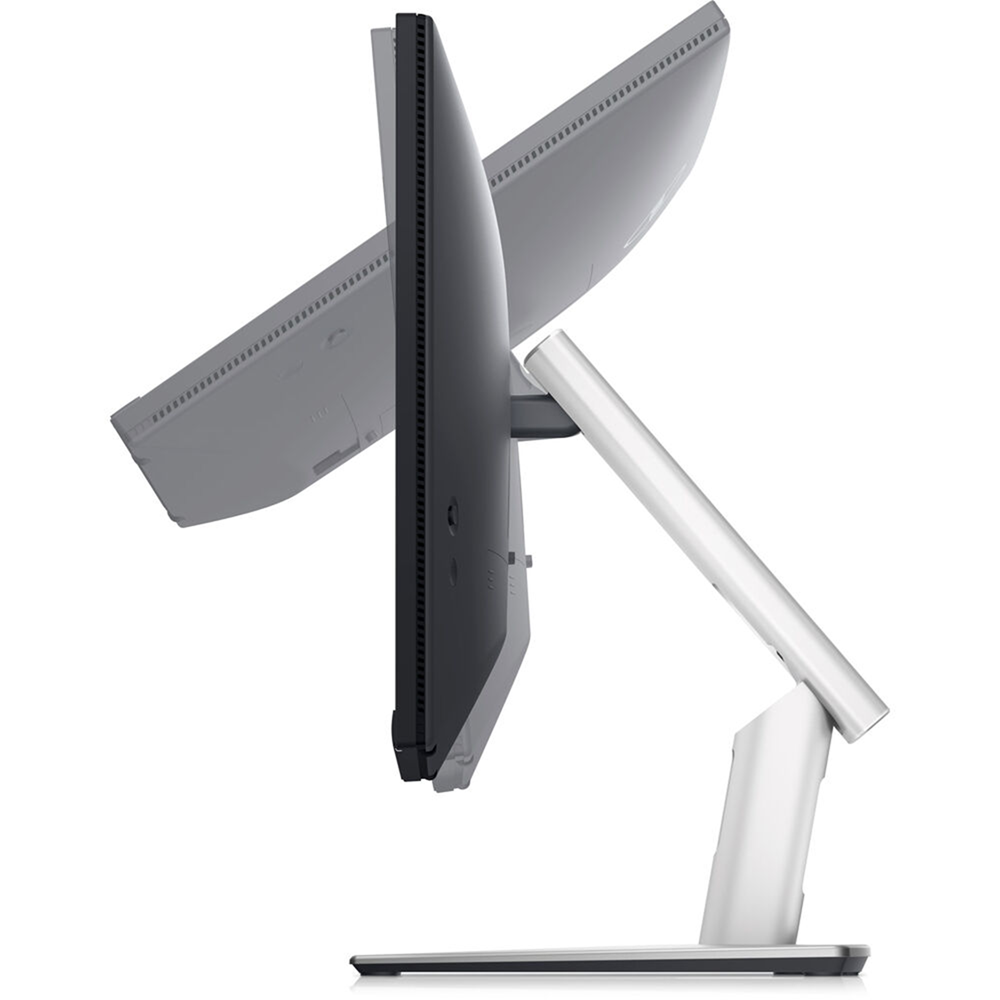
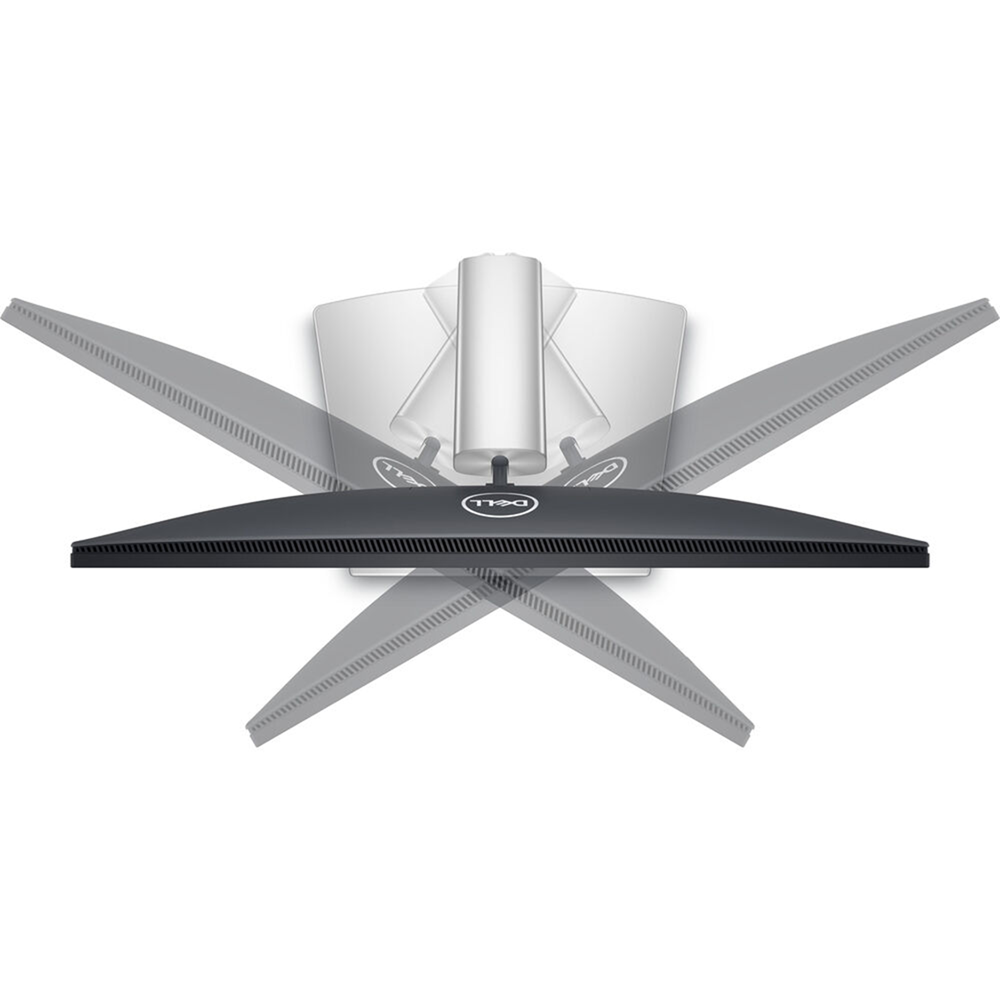
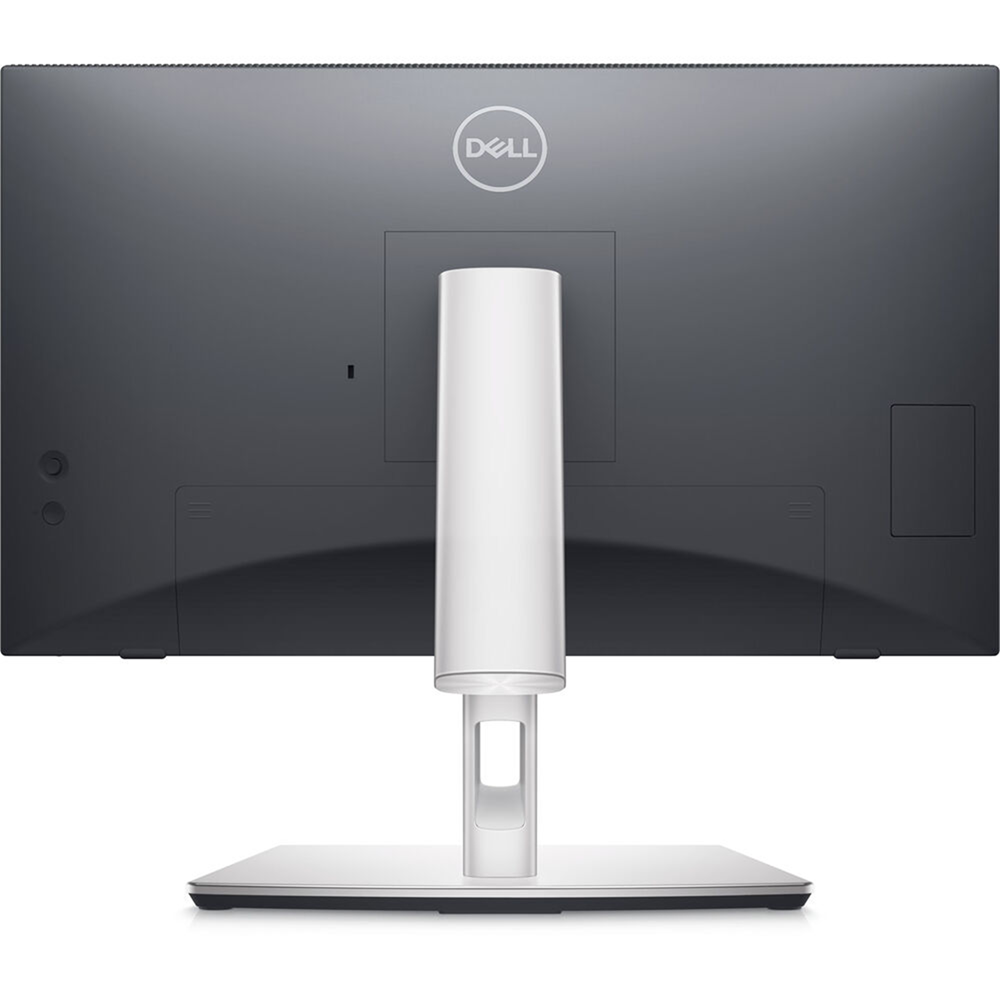
Height, Tilt, Swivel, Wall mount
DisplayPort / HDMI / LAN / USB-C 90W PD
In stock
Dell P2424HT
Features & Design
Connect. Get set. Go.

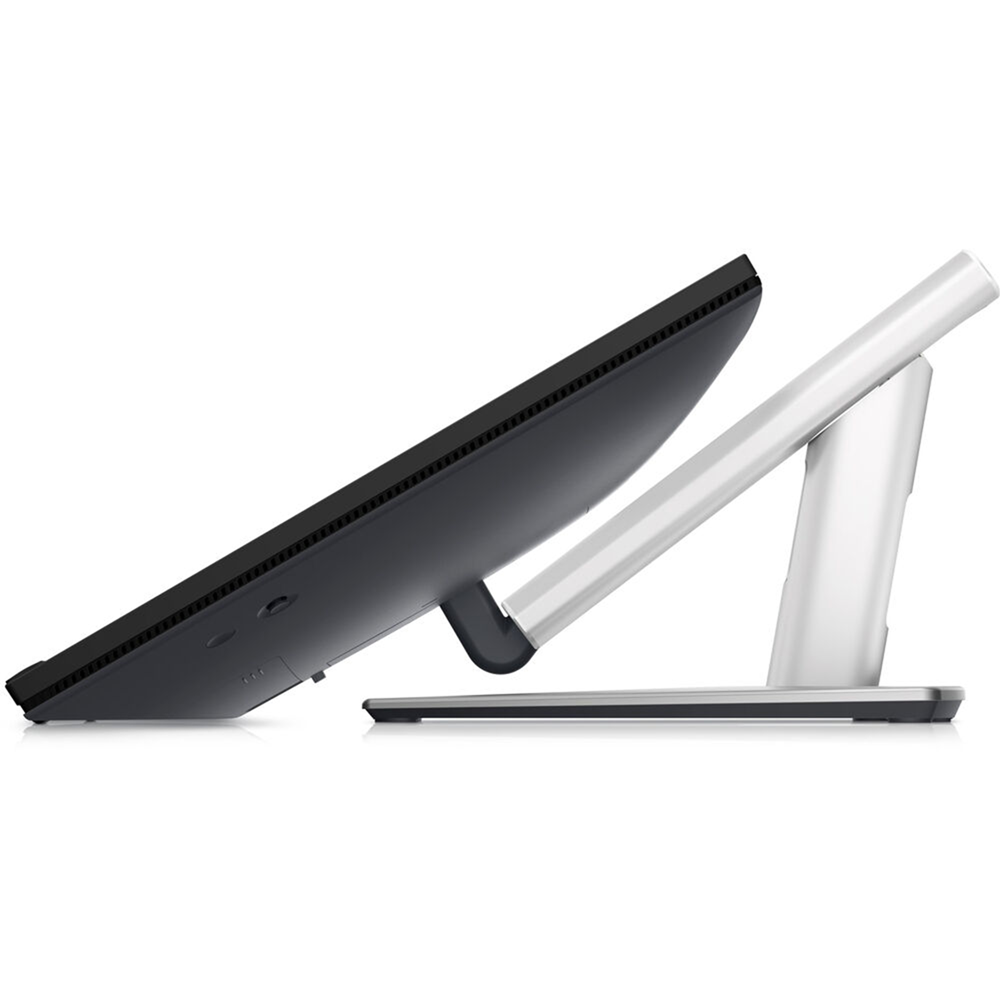
Tap. Swipe. Pinch.
Plug. Connect. Sync.
Quick-access USB ports are easy to reach, allow you to quickly connect your accessories and can be covered to maintain a sleek look when not in use.
The PowerSync feature wakes up and powers on your laptop so you can be productive immediately.
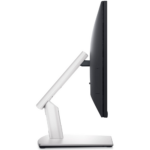
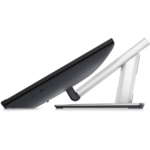
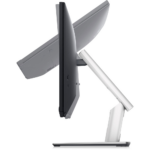
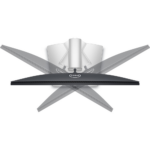
Adjust. Tilt. Swivel.
Vibrant. Expansive. Comfortable.
 See your ideas come to life with consistently vivid colors thanks to 99% sRGB coverage and In-Plane Switching (IPS) technology that enables wide viewing angles.
 Enjoy clear audio and a virtually edge-to-edge view with the three-sided, ultra-thin bezel that has a top-firing 3W speaker built into it.
 Go easy on your eyes with this anti-glare monitor that’s equipped with ComfortView Plus, an always-on built-in low blue light screen that reduces potentially harmful blue light emissions without compromising color.
Dell Display and Peripheral Manager

Easy Arrange tiles apps across screens with pre-set partitions and customizes up to five windows, enhancing multitasking. Easy Arrange Memory saves and restores app profiles manually, on schedule, or at start-up.
Customize your views
Work comfortably, day or night. Automate your brightness and contrast settings to match your schedule.
More manageable
Save time and boost IT efficiency with the Dell Device Management Console to manage your Dell peripheral fleet at scale, from a single cloud-based console. Discover expanded Command Line Interface features from Dell Display and Peripheral Manager.
Learn more about Dell Display and Peripheral Manager
Disclaimer: Screen image simulated for illustrative purposes only. Monitor model may vary.

Green thinking for today and tomorrow
Eco-conscious packaging: Designed with the environment in mind, Dell commercial monitors come in up to 90% recyclable cardboard packaging.
Energy conservation: Save energy when your monitor’s not in use with PowerNap, a feature that dims or puts your monitor to sleep when it’s not in use.
Advanced sustainability: Dell Technologies is committed to reducing environmental impact throughout the product lifecycle. Read more about our commitment to sustainability and our 2030 Social Impact goals here, and our product’s carbon footprint here.
Works with devices on macOS®*
*Based on internal testing of select Dell monitors with USB-C or HDMI connection to devices on macOS, June 2024. Requires USB-C or HDMI connectivity. Some features may not be supported.

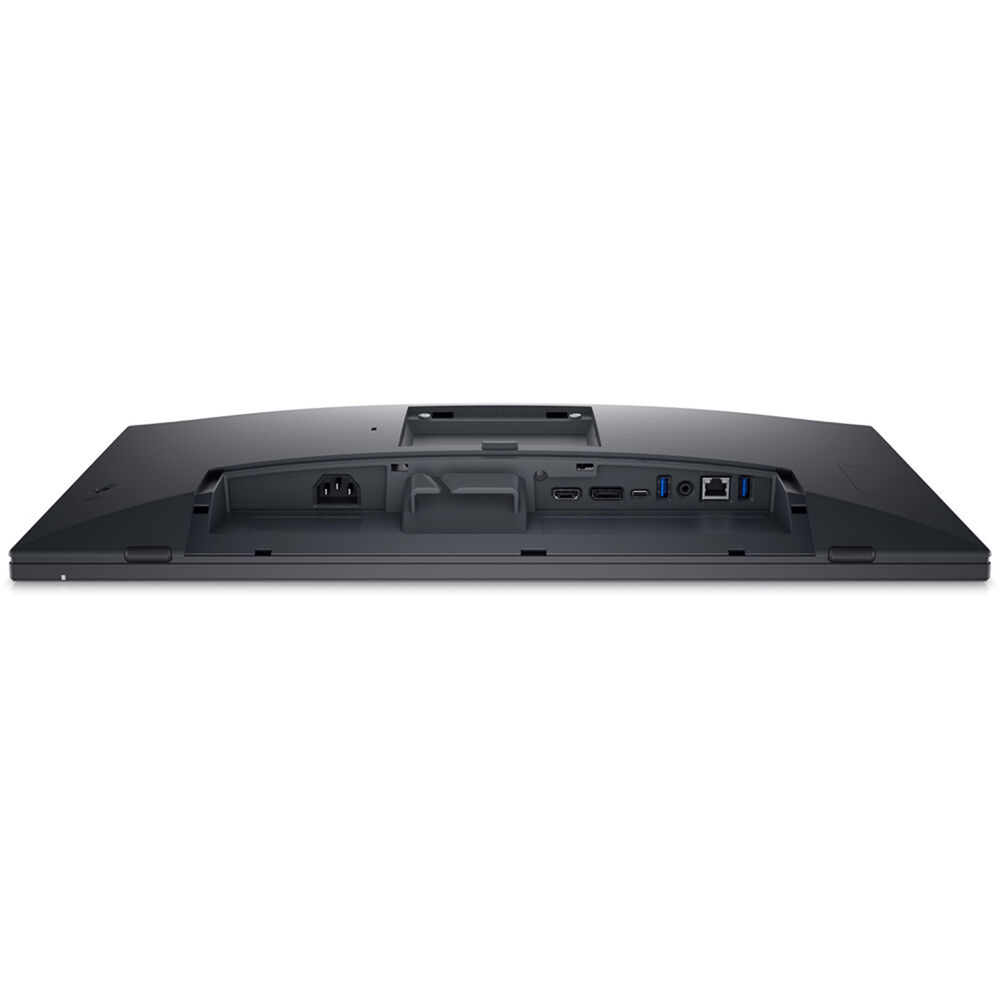
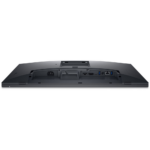
Connectivity options
Bottom and rear view
1. Power connector
2. Security Lock Slot (based on Kensington Security Slot™)
3. Stand lock
4. HDMI
5. DisplayPort 1.2
6. USB 3.2 Gen1 Type-C upstream (Alt. mode with DP 1.2, PD of up to 90W)
7. USB 3.2 Gen1 Type-A downstream (x2)
8. Audio line-out
9. RJ45 Ethernet port, 1GbE
10. USB 3.2 Gen1 Type-A downstream (with BC 1.2)
11. USB 3.2 Gen1 Type-C downstream (PD of up to 15W)
Cables included:
1. Power cord
2. DP – to – DP (1.8m)
3. HDMI cable (1.8m) (for selected countries only)
4. USB 3.2 Gen1 Type C-to-C (1.8m)
5. USB 3.2 Gen1 Type A-to-C upstream (1.8m)
| Brand Name | Dell |
|---|---|
| Curvature type | Flat |
| Display Type | IPS |
| Features | Height adjustment, Speakers, Swivel, Tilt, Touch, Wall-Mount |
| Monitor Type | Office |
| Ports | Audio, DisplayPort 1.2, HDMI 1.4, Network Port, USB 3.2, USB Type-C (Charge & Display), USB-C |
| Refresh Rate | 60hz |
| Resolution | 1K FHD |
| Response Time | 5ms, 8ms |
| Screen Size | 23.8 inch, 24 inch |
| Width Type | Wide |
Related products
No account yet?
Create an Account