Dell
Effortless collaboration
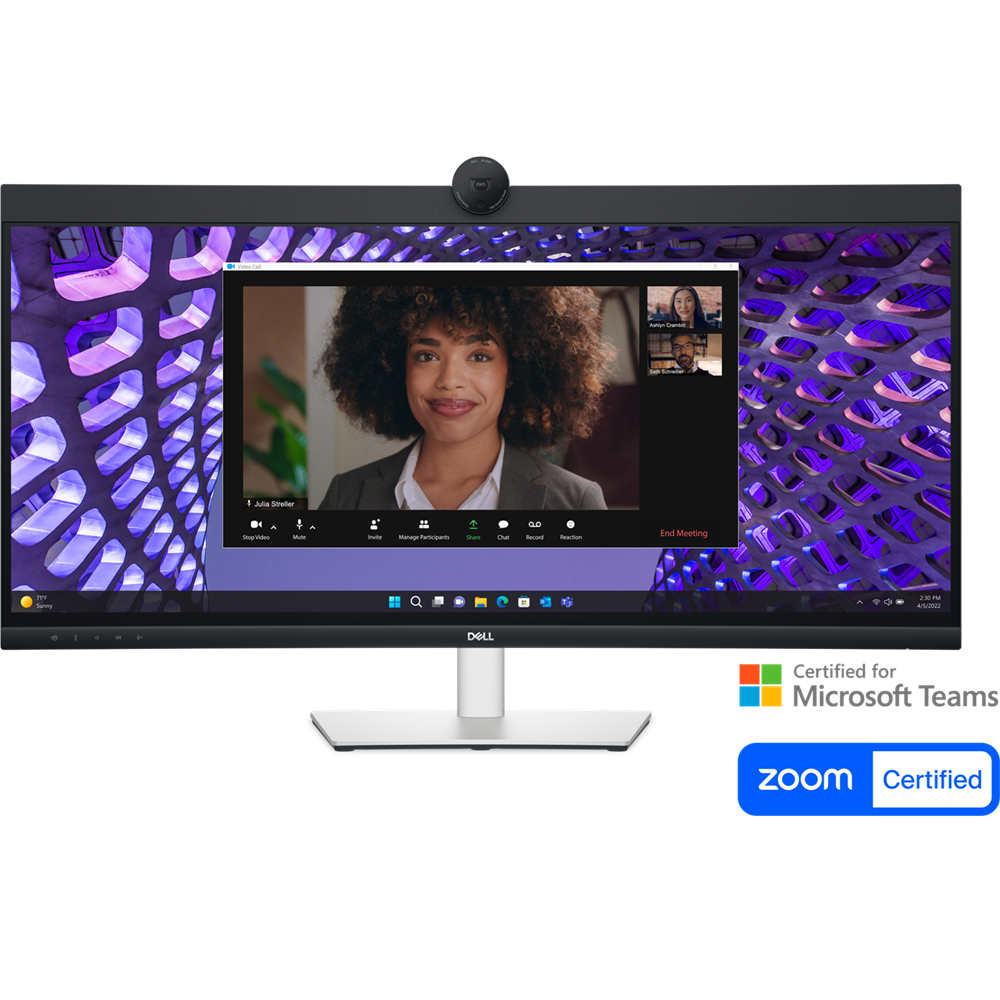
Look great in low light: Temporal (3D) and Spatial (2D) Noise Reduction automatically eliminates motion blur and grainy images in low light, while AI Auto Framing keeps you in the middle of the frame even as you move around.
Loud and clear: Collaborate like you’re there with built-in, dual echo cancellation mics and dual 5W speakers, strategically positioned at the top of the monitor for an immersive audio experience.
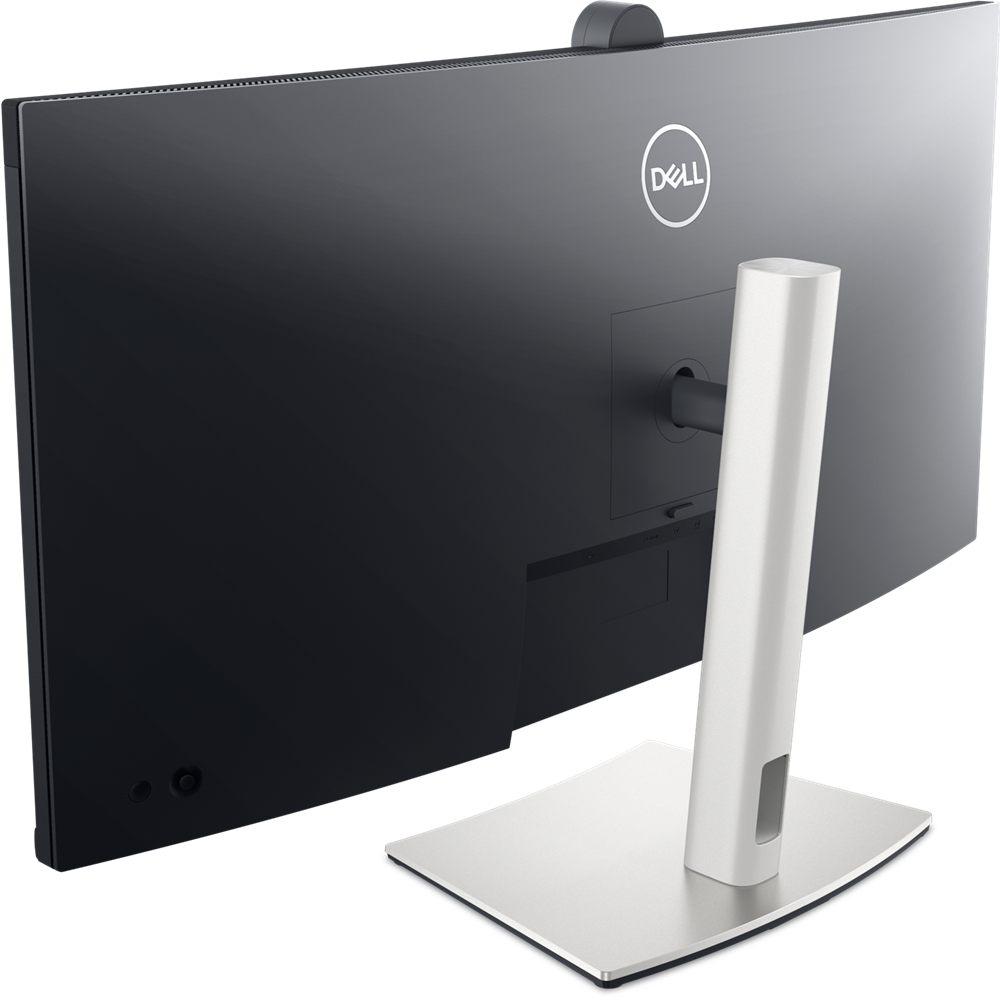
Interaction secured: The manual webcam shutter and convenient microphone mute button on this Zoom-certified monitor helps ensure that you’re only communicating what you want to share, when you want to share it.
Easier connections: Launch Teams meetings effortlessly with the quick access touch control on this certified for Microsoft Teams monitor.
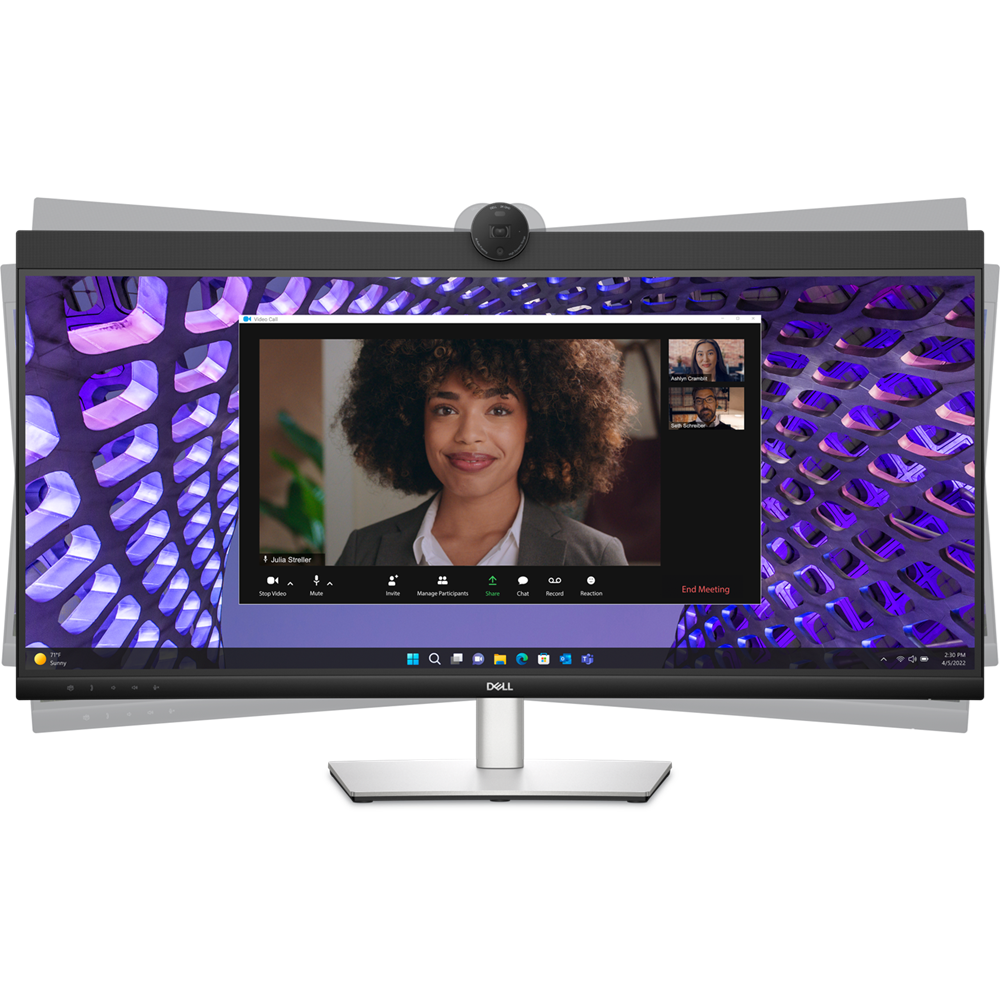
Collaborate on a curve: Increased screen curvature improves your field of view, reduces reflections and creates near-uniform visual focus. This reduces your eye movement across the screen, so you can work comfortably for a longer period.
Seamless access
Your productivity hub
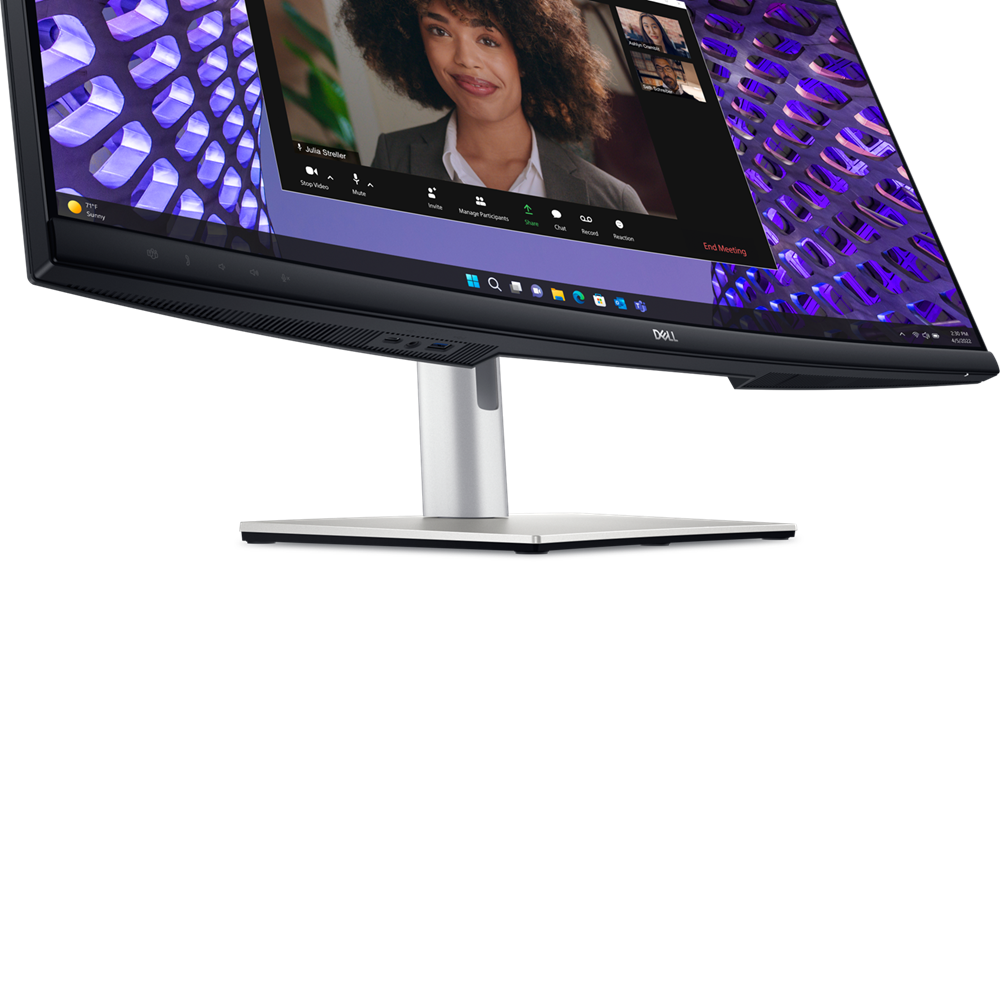
The power of USB-C: Get up to 90W of power delivery via USB-C, and charge your laptop (even when the monitor is off) with the Always On Power Delivery feature. This single-cable solution also reduces cable clutter and transmits power, data and audio—all at once.
Quick convenience: Plug in whatever you need and keep it in reach with the two, super speed USB 5Gbps (USB 3.2 Gen1) quick-access ports. There’s even space to charge your mobile phone (up to 15W power charging) with the USB-C quick-access port.
Enhanced manageability: Managing your monitor is easy with MAC Address pass-through, PXE Boot, and Wake-on-LAN conveniently built in.
Multitask efficiently: Connect two PC sources to the monitor—our intelligent Auto KVM feature detects the second connected PC and seamlessly switches controls over. KVM (keyboard, video and mouse) allows you to control both PCs with a single keyboard and mouse.
Make smooth connections: View content from both PC sources with Picture-by-Picture (PbP) and Picture-in-Picture (PiP).
Dell Display and Peripheral Manager
Easy Arrange tiles apps across screens with pre-set partitions and customizes up to five windows, enhancing multitasking. Easy Arrange Memory saves and restores app profiles manually, on schedule, or at start-up.
Customize your views
Work comfortably, day or night. Automate your brightness and contrast settings to match your schedule.
More manageable
Save time and boost IT efficiency with the Dell Device Management Console to manage your Dell peripheral fleet at scale, from a single cloud-based console. Discover expanded Command Line Interface features from Dell Display and Peripheral Manager.
Learn more about Dell Display and Peripheral Manager
Disclaimer: Screen image simulated for illustrative purposes only. Monitor model may vary.
Green thinking. For today and tomorrow.
Eco-conscious packaging: Dell monitors ship in boxes made with 100% renewable content that is also 100% recyclable.
Energy conservation: Save energy when your monitor’s not in use with PowerNap, a feature that dims or puts your monitor to sleep when it’s not in use.
Advanced sustainability: Dell Technologies is committed to reducing environmental impact throughout the product lifecycle. Read more about our commitment to sustainability and our 2030 Social Impact goals here, and our product’s carbon footprint here.
Works with devices on macOS®*
*Based on internal testing of select Dell monitors with USB-C or HDMI connection to devices on macOS, June 2024. Requires USB-C or HDMI connectivity. Some features may not be supported.
Connectivity options
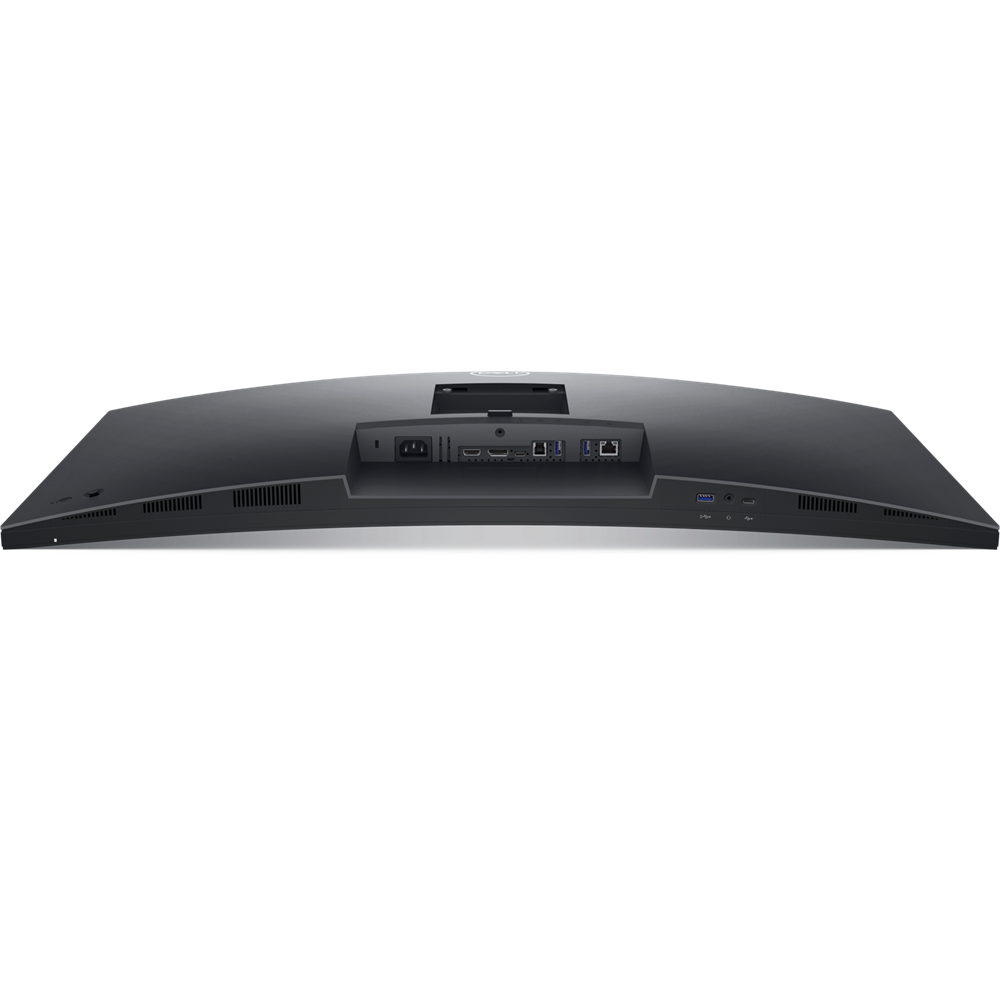
Ports and slots
1. Security lock slot (based on Kensington Security Slot™)
2. Power connector
3. HDMI
4. DisplayPort 1.2
5. USB 3.2 Gen1 Type-C (Alt mode with DP 1.2 upstream, up to 90W power delivery)
6. USB 3.2 Gen1 Type-B upstream
7. 2 USB 3.2 Gen1 Type-A downstream
8. RJ45 Ethernet port, 1GbE
9. USB 3.2 Gen1 Type-A downstream (with BC 1.2)
10. 3.5mm combo headphone with microphone jack
11. USB 3.2 Gen1 Type-C downstream (PD of up to 15W)
12. Stand lock feature
Power cord
DP-to-DP, 1.8m
USB 3.2 Gen1 Type C-to-C, 1.8m
USB 3.2 Gen1 Type A-to-B upstream, 1.8m
Dimensions and weight
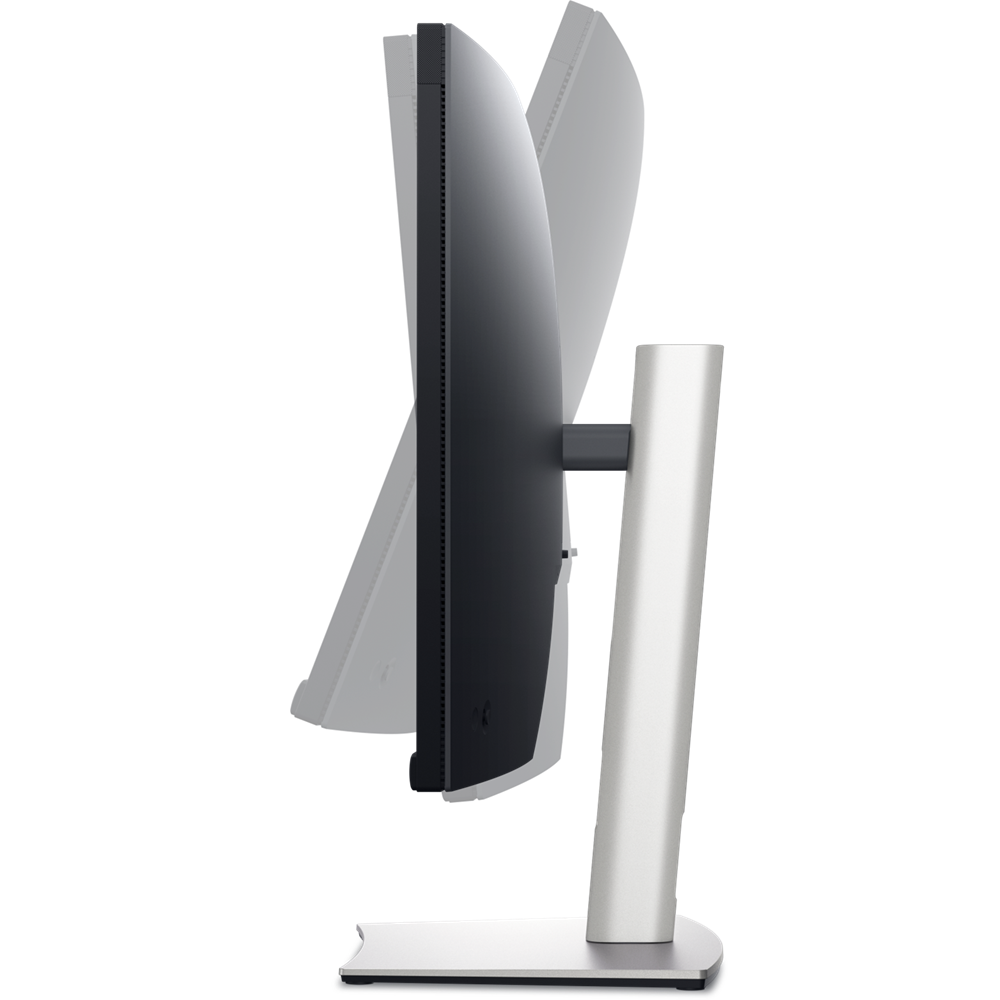
Extended: 23.46 in. (595.89 mm)
Compressed: 17.55 in. (445.89 mm)
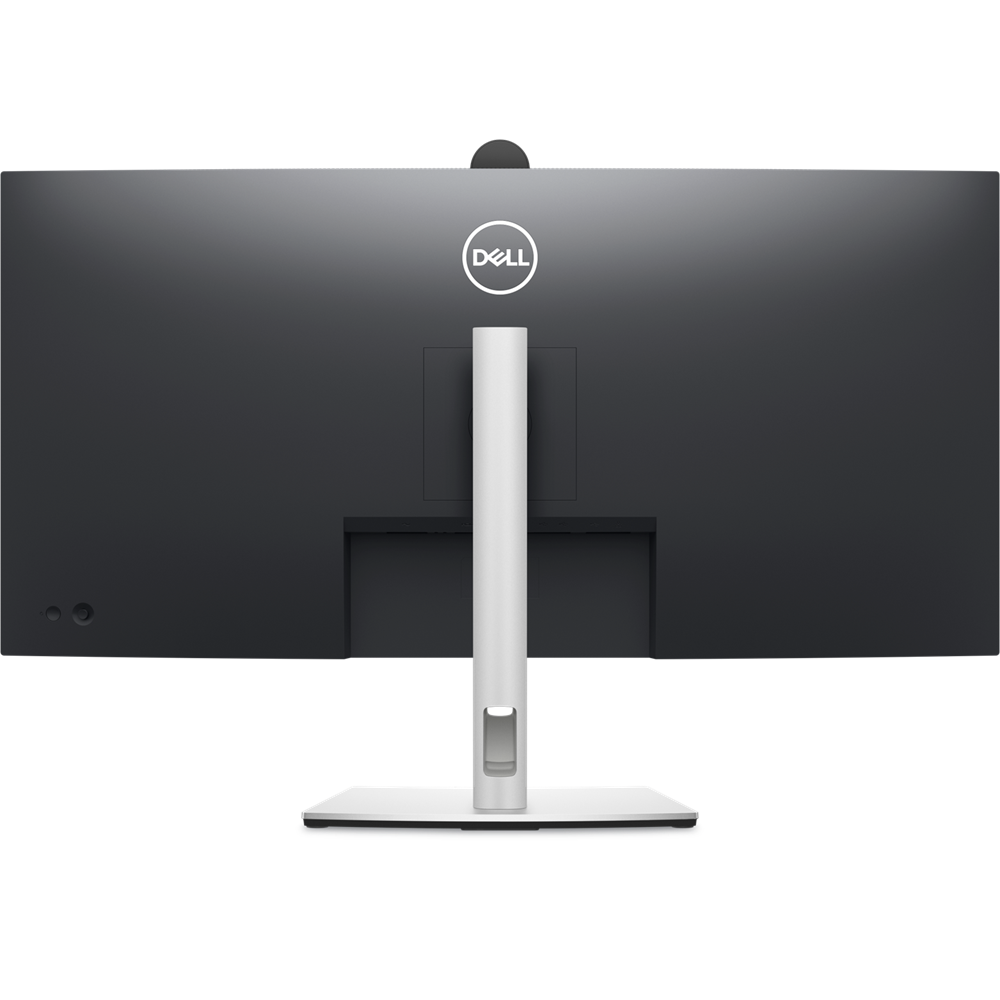
2.Monitor width: 32.11 in. (815.65 mm)
3.Monitor height: 16.54 in. (419.99 mm)
4.Stand width: 12.10 in. (306.91 mm)
6.Stand height:
Extended: 17.10 in. (433.32 mm)
Compressed: 15.20 in. (386.50 mm)
7.Stand depth: 9.55 in. (242.47 mm)
Weights:
With stand and cables: 25.20 lb (11.43 kg)
Without stand and cables: 16.38 lb (7.43 kg)