



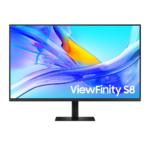
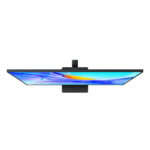
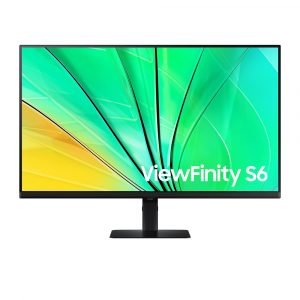
SAMSUNG 37″ ViewFinity S8 D800 4K 60Hz 5ms VA HDR USB-C 90W KVM LAN Adjustable Monitor
Original price was: KD 159.900.KD 139.900Current price is: KD 139.900.
SAMSUNG
Panel Type – VA
Response Time – 5ms
Refresh Rate – Max 60Hz
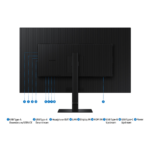
USB-C (Charging & Display) 90W
Resolution 4K UHD (3,840 x 2,160)
Picture-In-Picture / Picture-By-Picture
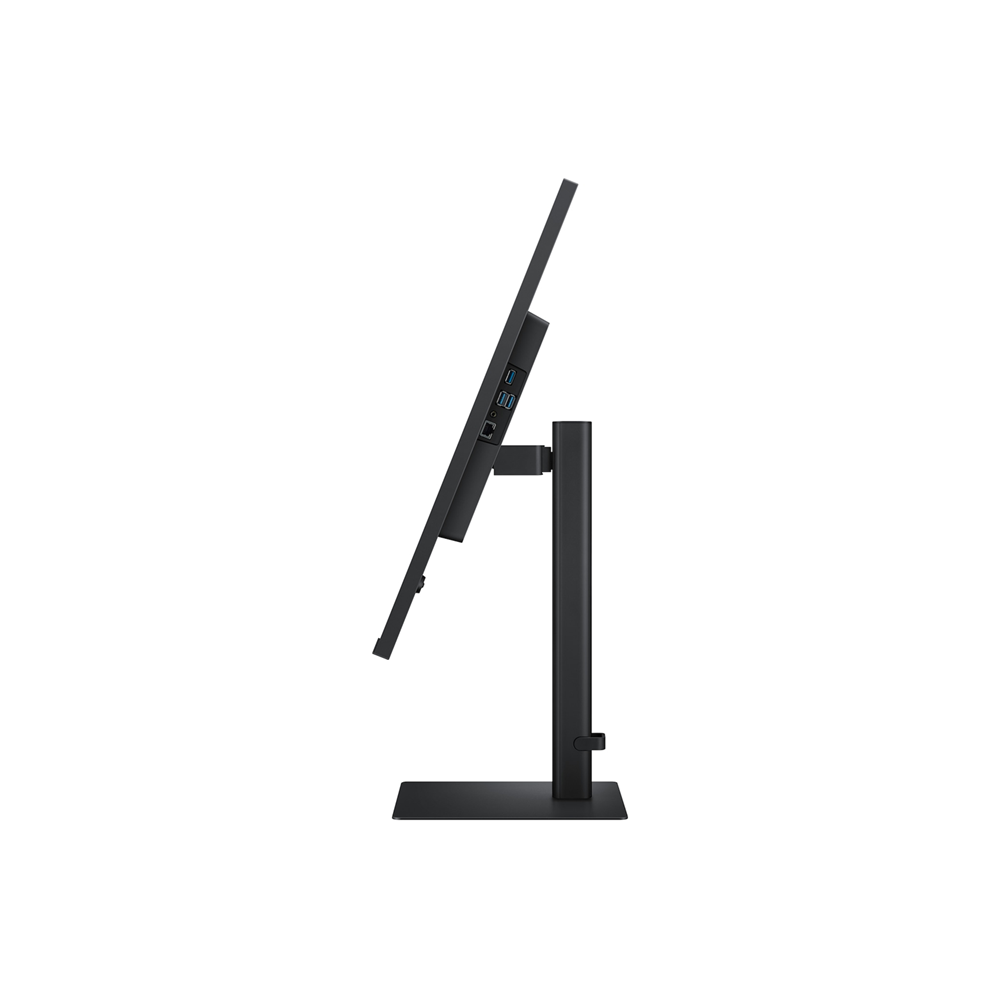
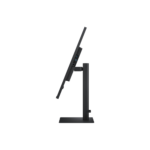
HAS (Height Adjustable Stand), Tilt, Swivel
KVM Switch / Ethernet (LAN) / HDR10 / sRGB
In stock
SAMSUNG
Highlights
Features
Expand your creative realm


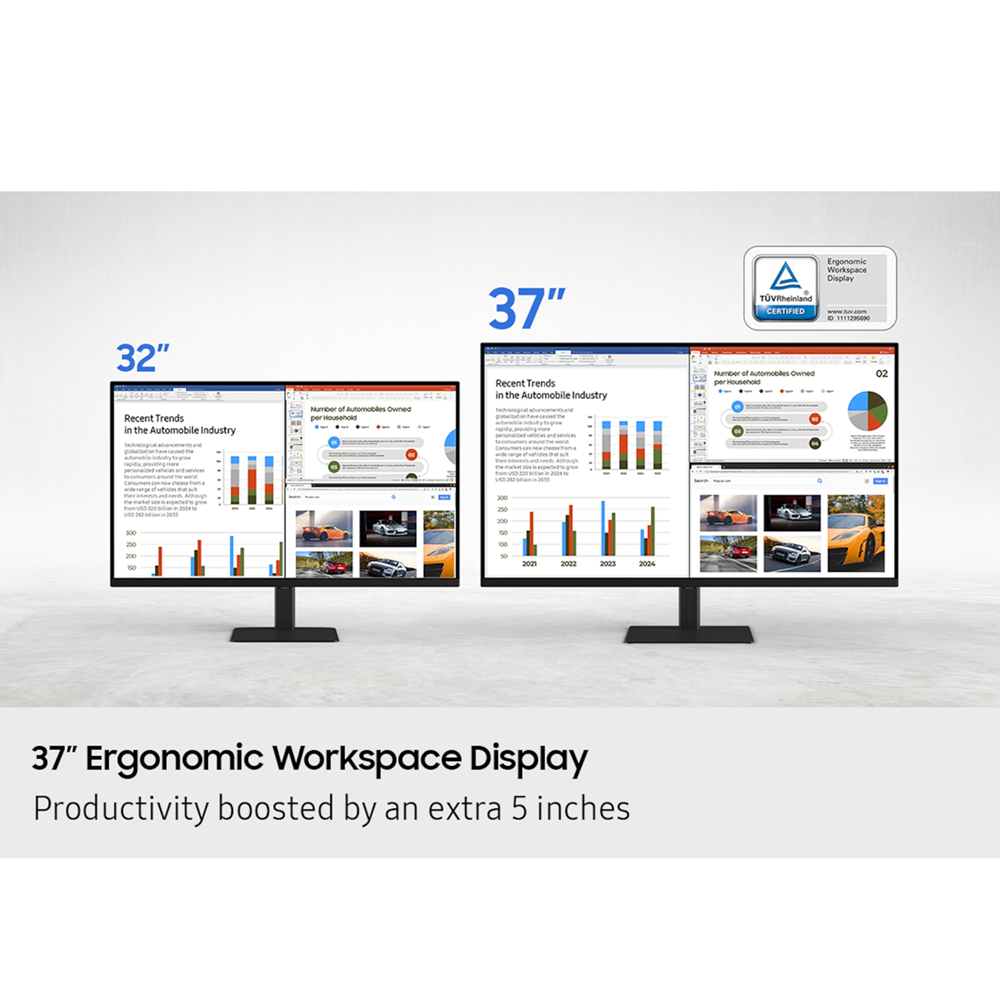
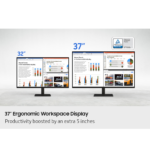
Productivity boosted by an extra 5 inches
37″ Ergonomic Workspace Display
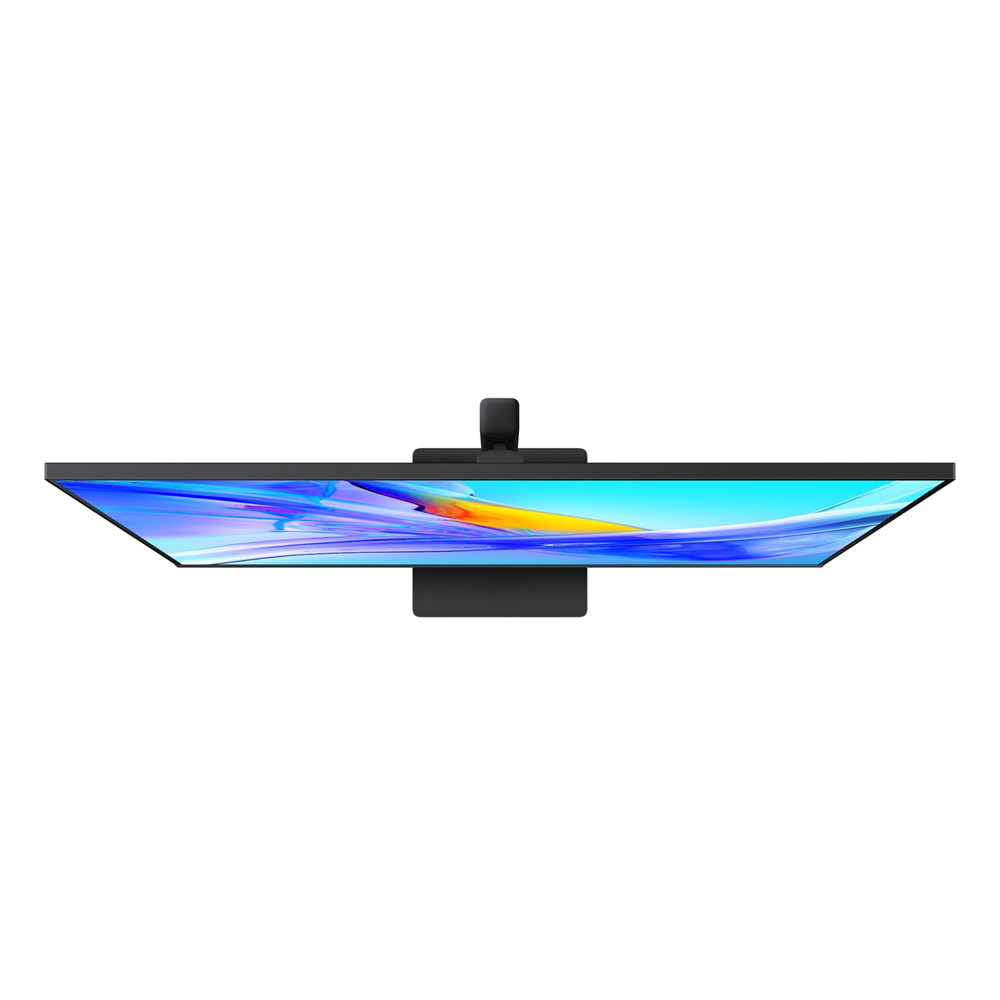
Revolutionize your workspace with the world’s first 37” UHD monitor. The additional 5 inches compared to a 32” display provide a 100% UHD experience without the need to scale down for better readability. With the expanded workspace, you can tackle complex tasks with ease and boost your productivity. Plus, the 37” screen is TUV-certified for eye comfort and designed to reduce visual fatigue — helping you stay focused during long work sessions.


* Screen images simulated for illustrative purposes.
Discover the deeper details
UHD resolution
Visual excellence that professionals demand. UHD (3840×2160) resolution reveals greater levels of detail with higher pixel density. Professionals can dive into greater color detail and more screen space to build intricate designs, complex diagrams and dynamic video content with a smoother workflow.


* Images simulated for illustrative purposes.
Enhanced realism through more color
1.07 billion colors with HDR10
See a wider gamut of colors for stunning accuracy and detail. HDR10 provide near limitless hues and true-to-life color representation, with darker darks and the brighter brights. Every piece of content becomes a joy to look at and can be experienced exactly as intended.
* Images simulated for illustrative purposes.


Connect and adjust to meet your needs
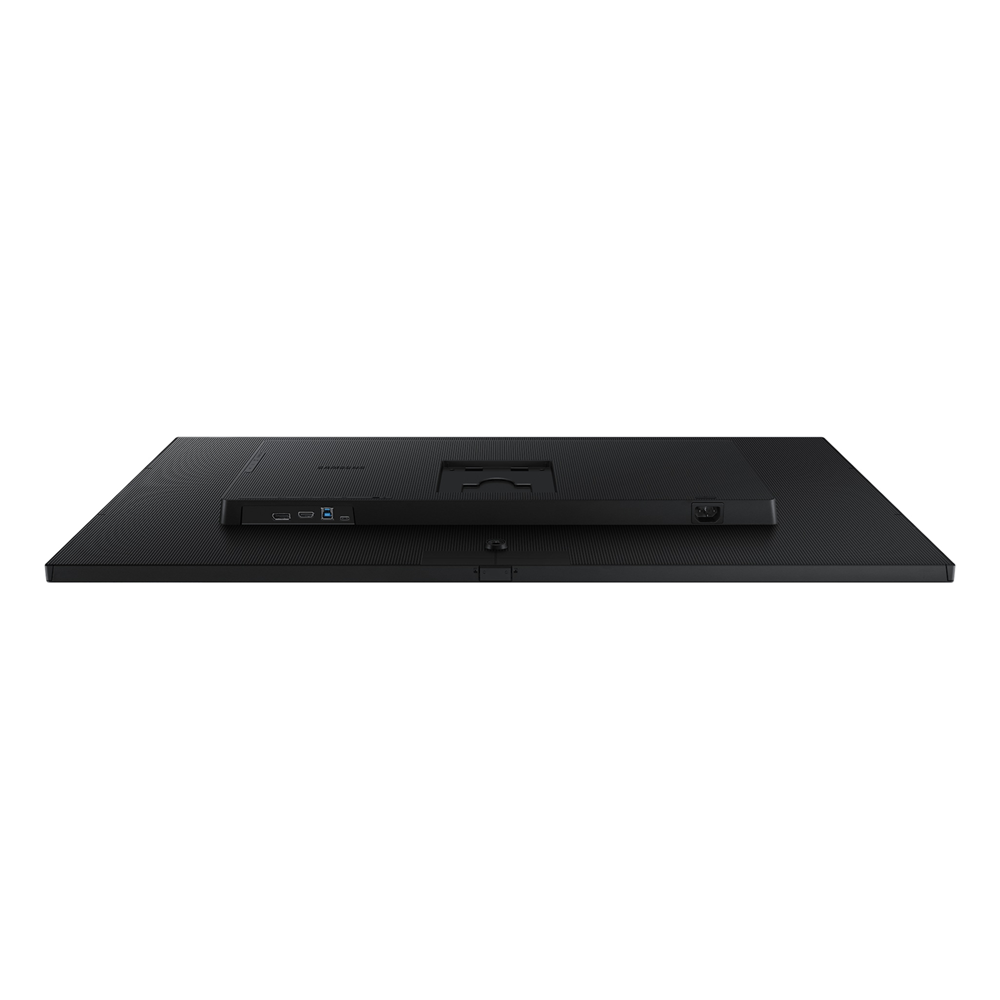
USB-C and LAN Port
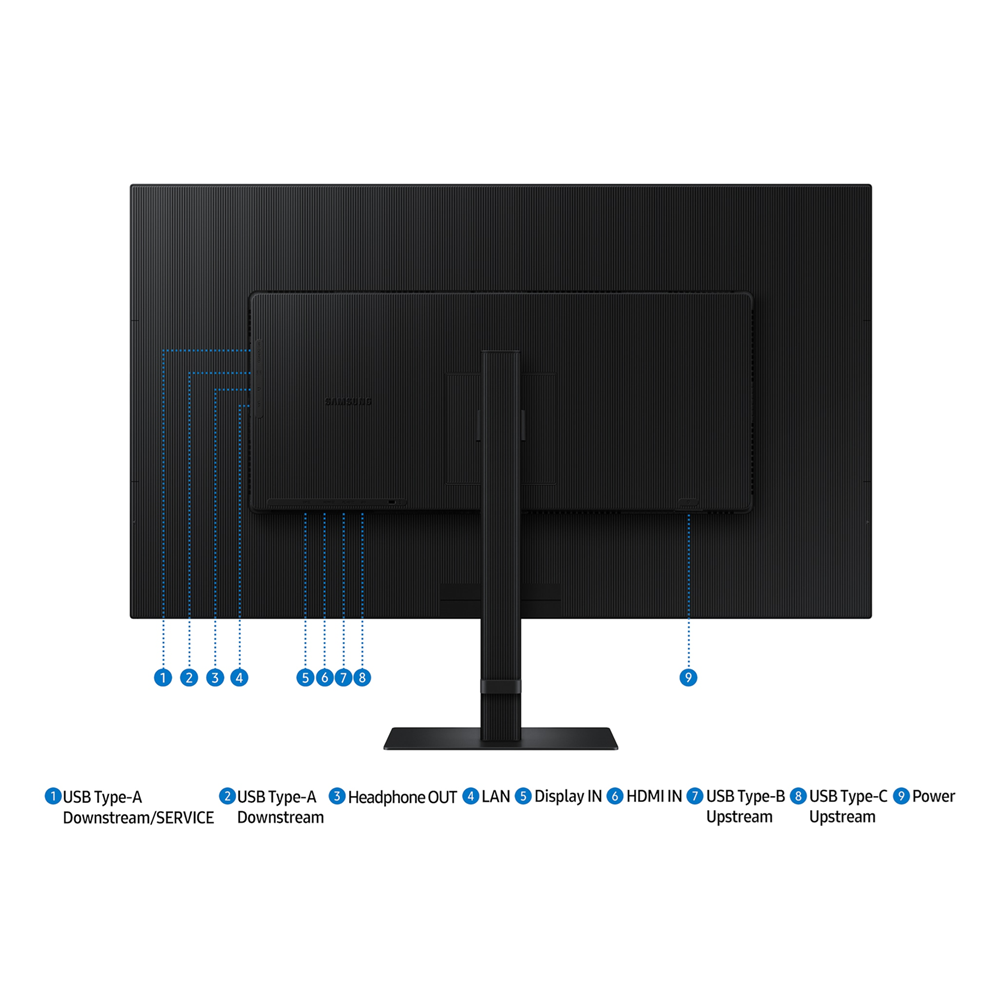
Connect it all to elevate your workspace. A USB-C port allows for 90W charging and data transfer at the same time, while a built-in LAN port offers seamless Ethernet connectivity for laptops.


Master multiple sources in harmony
Built-in KVM Switch
A built-in KVM switch lets you connect and control two sources to your monitor at once, with just one keyboard and mouse. You choose: split screen, Picture in Picture or Picture by Picture are all possible. Be more efficient and remove multi-device hassle with easy input switching and multitasking.


Effortless and instant setup
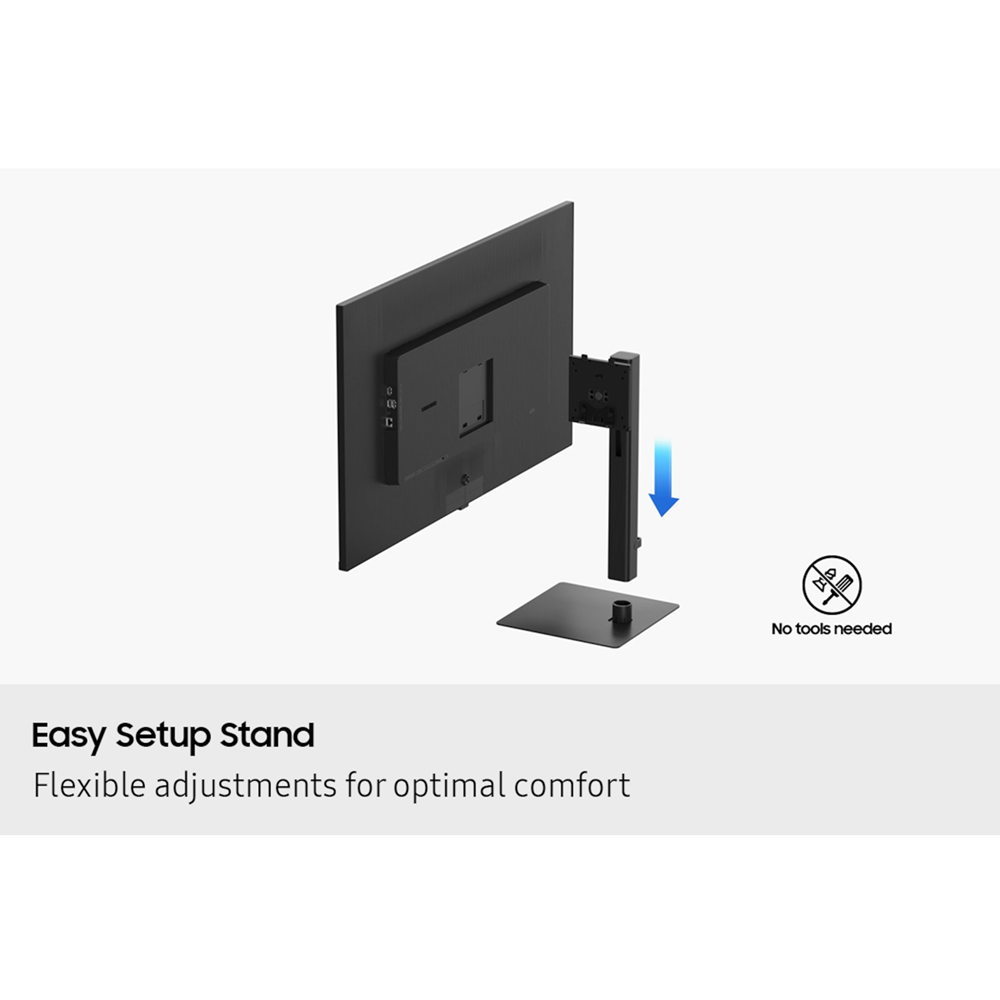
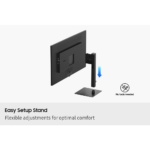
Easy Setup Stand
The Easy Setup Stand effortlessly creates an ideal workspace without any tools or screws. When it’s time to change things up, simply push a button and enjoy flexible convenience.


The neck stand is inserted down to the bottom stand. And the neck stand turns to the monitor’s rear side and it is finally attached to the rear of the monitor. “Easy Setup!’ message is shown. And the next of the monitor “No tools needed” icon included.
View with enhanced versatility
Ergonomic Design
Enjoy ideal ergonomics in any environment. A heigh-adjustable screen tilts and swivels to give you the best angle, ultimate utility, and custom comfort.


Relieve your eyes from strain
TUV certified Intelligent Eye Care
Keep your eyes fresh with less screen strain. For those late-night projects, brightness and color temperature automatically optimize for your environment. TUV-certified for intelligent eye care, Samsung reduces screen flickering and protects eyes against excessive blue light with eye saver mode.


| Brand Name | Samsung |
|---|---|
| Curvature type | Flat |
| Display Type | VA |
| Features | Eye Saver, Height adjustment, KVM, Network, PBP, PIP, Speakers, sRGB, Swivel, Tilt, Wall-Mount |
| HDR | HDR10 |
| Monitor Type | Office |
| Ports | DisplayPort 1.2, HDMI 2.0, Network Port, USB 3.0, USB Type-C (Charge & Display), USB-C |
| Refresh Rate | 60hz |
| Resolution | 4K UHD |
| Response Time | 5ms |
| Screen Size | 37 Inches |
| Width Type | Wide |
| Adaptive Sync | FreeSync |