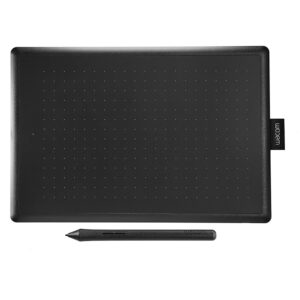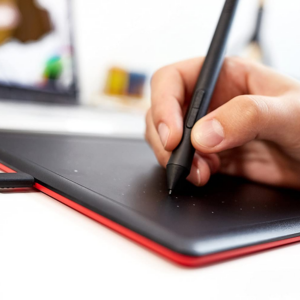








Wacom DTHA116C MovinkPad 11 Android Creative Pen Tablet, Multi-touch, 8GB RAM, 128GB Storage, 7700mAh Battery
KD 149.000
Wacom
MediaTek G99 CPU
8GB RAM | 128GB Storage
Battery-free Pen No recharging
11.5″ 2200 x 1440 IPS Touchscreen
8192 Levels of Pen Pressure Sensitivity
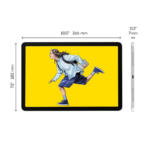
9.6 x 6.3″ Active Area / WiFi / Bluetooth
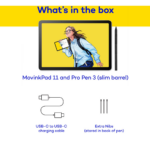
Includes Wacom Pro Pen 3 & Nibs / Android 14 OS
1 x USB-C 2.0 Port / 5MP Front Camera | 4.7MP Rear Camera
Surface Treatment Anti- Glare Anti- Fingerprint Direct bonding
In stock
Wacom
Draw when you want, as much as you want, wherever you want. You don’t need experience or skills. You don’t need a reason or a goal. The “Wacom MovinkPad 11” removes all barriers to your creativity. Just exist in the moment and let the lines flow as you start sketching your world. The “Wacom MovinkPad 11” is there whenever – and wherever – inspiration strikes.
Features
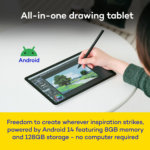
- ALL-IN-ONE DESIGN: 11″ Android 14 tablet, 8 GB memory/128 GB storage, battery-free, slim barrel Pro Pen 3, no computer needed; comes with Wacom Canvas sketching app and 2 years of Clip Studio Paint Debut
- QUICK DRAW READY: Tap and hold the pen on screen to instantly launch Wacom Canvas and start sketching the moment inspiration strikes, just like opening a sketchbook – seamlessly transition to other apps to refine your drawing
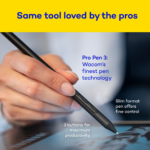
- BEST-IN-CLASS PEN PERFORMANCE: Designed for MovinkPad, this slim barrel version of Wacom Pro Pen 3, delivers 8,192 pressure levels, has three buttons, and comes with replacement nibs stored in the pen’s back end
- PAPER-LIKE DRAWING EXPERIENCE: bright, sharp display with matte etched glass surface that feels like paper with subtle texture – reduces glare and fingerprints so you can focus on creating without distractions
- THIN, LIGHT, PORTABLE: Weighs just 1.3lbs, lighter than most laptops and easily fits in a bag or backpack, supports popular digital pens (Dr. Grip, LAMY, STAEDTLER); goes wherever a sketchbook can go
Draw your world – anytime, anywhere.
Everything you need, all in one place.

Made for those who just want to draw.
All the must-have tools for sketching – right here in one device.
Start creating the moment you power it on.
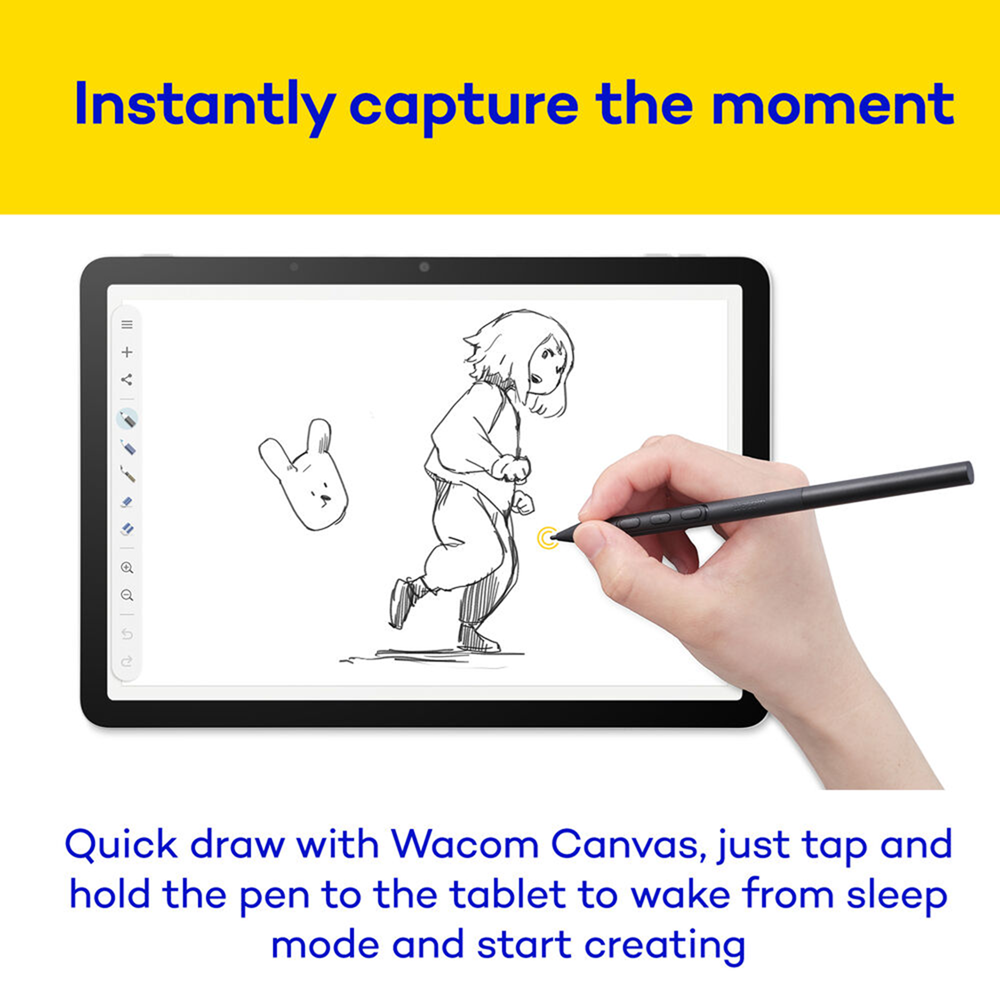
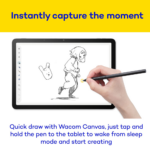
Instantly capture the moment. Quick drawing is ready when you are.
Launch the sketching app “Wacom Canvas” by tapping and holding the pen on the screen during sleep mode. Start drawing as soon as inspiration strikes, just like opening a sketchbook.
*When using the Quick Drawing function to launch Wacom Canvas, a new canvas will open to protect your work.
*Each software’s functions and UI are subject to change due to updates.
Smooth flow from rough sketch to final artwork.
Comes with Wacom Canvas, for sketching ideas and rough drafts, and CLIP STUDIO PAINT DEBUT*, for illustrations and manga.
With Wacom Canvas you can open rough drafts directly in CLIP STUDIO PAINT, so you can quickly and easily immerse yourself in the creative workflow.
 Wacom Canvas |
 |
 CLIP STUDIO PAINT |
*includes a 2-year license for CLIP STUDIO PAINT DEBUT. To use this software, you need to register with CELSYS. Terms of use apply.
Everything you need, right where you need it. That’s the power of Wacom Shelf.
Scroll through your growing collection of sketches, artwork and reference images – all in one place.
Wacom Shelf lets you view every image on your device, no matter the file type.
Even if you’ve forgotten where you saved it, find everything you need at a glance.
Supports bmp, clip, heic, jpeg, png, tiff and webp formats.
No charging, no interruptions. The battery-free Wacom Pro Pen 3 lets you stay in the flow.
The included Wacom Pro Pen 3 doesn’t require batteries or charging – so your creative flow is never interrupted.
Lightweight and built for long drawing sessions, it’s a high performance tool trusted by creative professionals.
You can even customize it with your preferred nibs and grips for the perfect feel (customizable accessories are sold separately).
Less glare, more immersion. See your work without distractions.
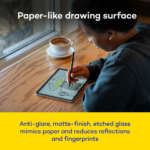
A display crafted for a perfect drawing experience. The pen glides smoothly, but with just enough “grip.” And a special surface treatment reduces glare and fingerprints, so your artwork shines clearly.
Lightweight & all-in-one. Perfect to take with you every day.
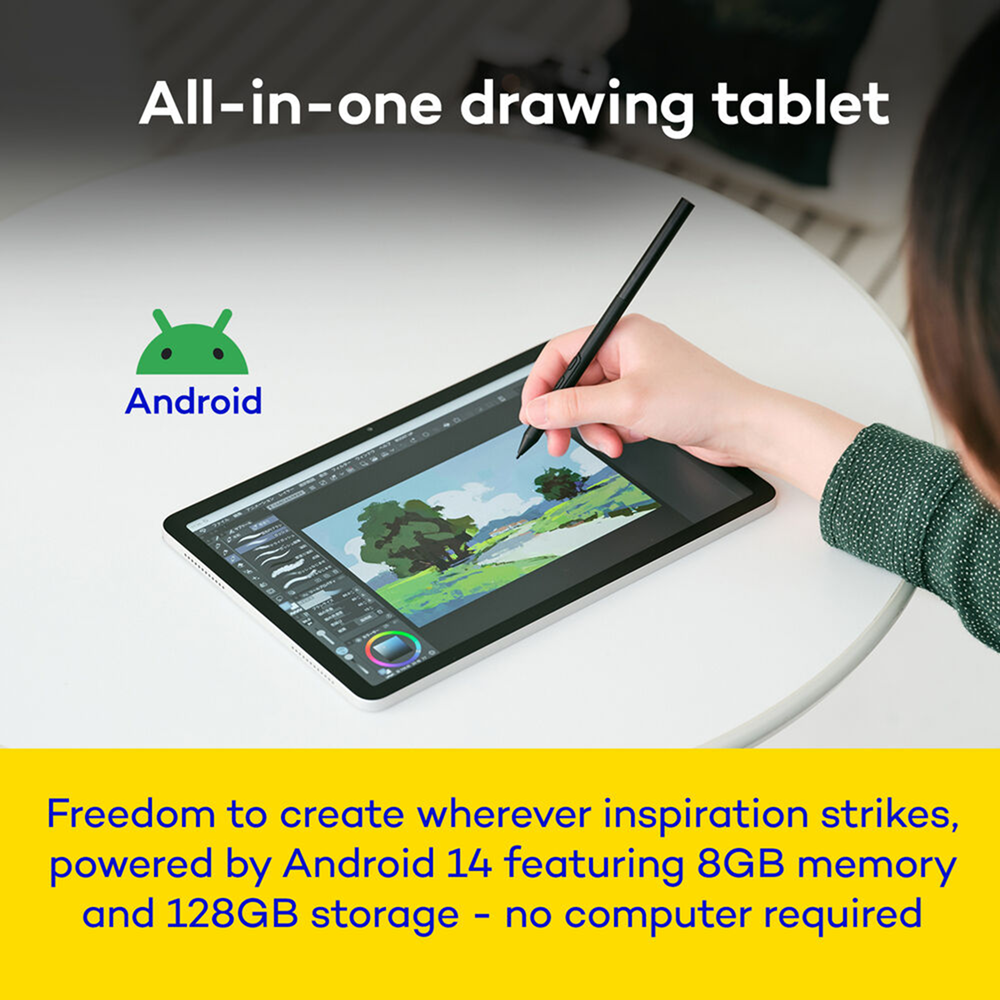
Weighing just 1.3lbs, this 11.45-inch device is so light and thin it can go anywhere a sketchbook can. Everything you need is built-in – no PC required.* Turn your favorite café or park into your own creative studio.
*Wacom MovinkPad 11 utilizes Android 14.

Features
- ALL-IN-ONE DESIGN: 11″ Android 14 tablet, 8 GB memory/128 GB storage, battery-free, slim barrel Pro Pen 3, no computer needed; comes with Wacom Canvas sketching app and 2 years of Clip Studio Paint Debut
- QUICK DRAW READY: Tap and hold the pen on screen to instantly launch Wacom Canvas and start sketching the moment inspiration strikes, just like opening a sketchbook – seamlessly transition to other apps to refine your drawing
- BEST-IN-CLASS PEN PERFORMANCE: Designed for MovinkPad, this slim barrel version of Wacom Pro Pen 3, delivers 8,192 pressure levels, has three buttons, and comes with replacement nibs stored in the pen’s back end
- PAPER-LIKE DRAWING EXPERIENCE: bright, sharp display with matte etched glass surface that feels like paper with subtle texture – reduces glare and fingerprints so you can focus on creating without distractions
- THIN, LIGHT, PORTABLE: Weighs just 1.3lbs, lighter than most laptops and easily fits in a bag or backpack, supports popular digital pens (Dr. Grip, LAMY, STAEDTLER); goes wherever a sketchbook can go

Instantly capture the moment
Start creating the moment inspiration strikes. Just tap and hold the pen on the screen to wake up the tablet and launch the Wacom Canvas sketching app – it’s just like opening a sketchbook. And once you’re ready to refine your creation, you can easily open it in Clip Studio Paint to refine and perfect it.

Creativity, unplugged
MovinkPad 11 can go anywhere – no computer required. Now the hallway between classes, your favorite café, or your local park is your new creative studio. Built-in front and rear cameras can capture quick snapshots to record all your inspiration.

No charging, no interruptions
The pen that comes with MovinkPad is a customized, slim version of Wacom’s Pro Pen 3. It’s the same tech that professional artists swear by, and it doesn’t need charging. You get all the pressure sensitivity and tilt detection you’d expect from a pro-level Wacom product, plus replacement nibs are stored right in the back of the pen.

Your digital sketchbook
Creative freedom in an ultra-portable 1.3 lb design. With a sharp 2200 x 1440 screen, 7700 mAh battery, and front and back cameras, it’s designed to follow your creativity anywhere with WiFi and Bluetooth connectivity.

No glare getting in the way of your art.
This tablet is built for drawing and digital art. The 11″ screen is bright and sharp, so it works well as a digital canvas. The matte finish etched glass feels like paper with a little bit of texture so it doesn’t feel slick. The screen surface reduces glare and repels fingerprints, so you can focus on your art without constantly tilting or wiping the screen.

Seamless software workflow.
Go from sketch to illustration without slowing down. The included Wacom Canvas app is perfect for sketching, and you can easily jump from there right into Clip Studio Paint to take your sketch to the next level – illustrations, manga, or anything else. Wacom MovinkPad 11 comes with 2 years of Clip Studio Paint Debut.

Slim, light, portable.
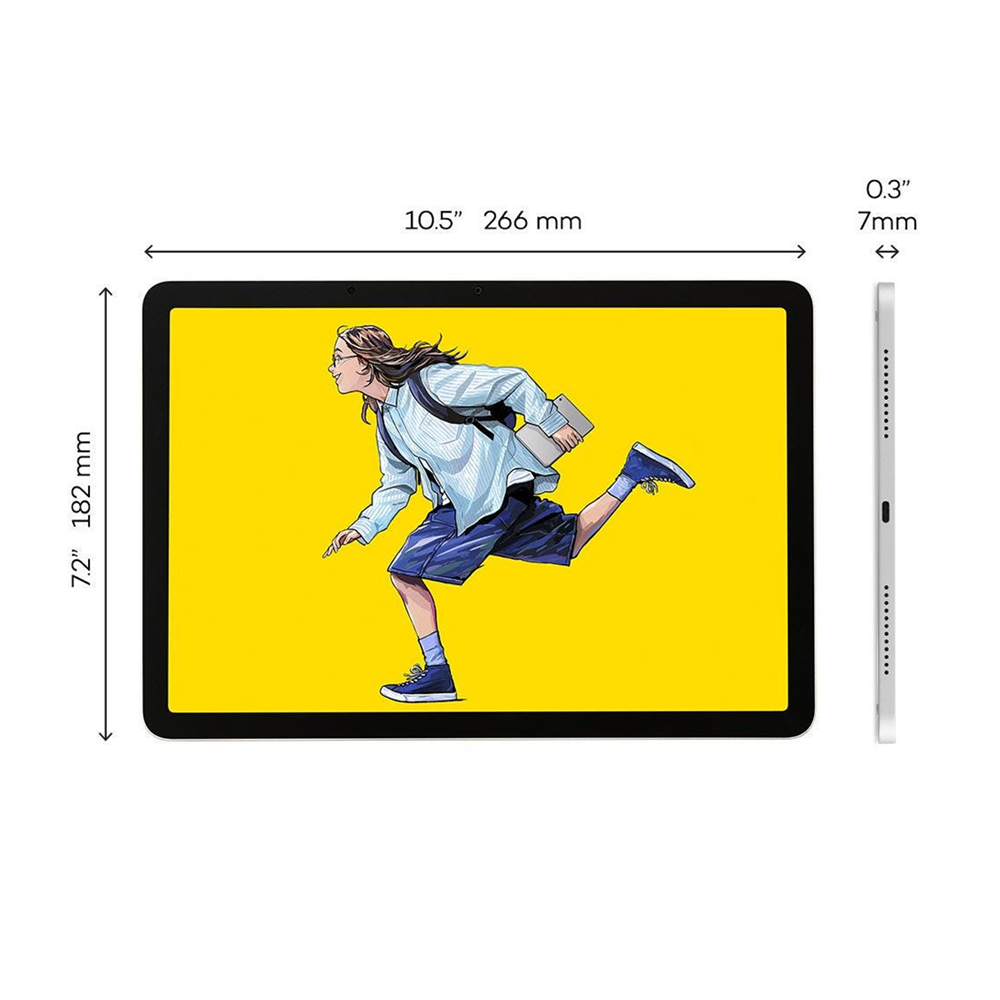
At 1.3 pounds and just 0.3 inches thick, the MovinkPad slips easily into most bags or backpacks while staying durable enough for daily use. The 7,700 mAh battery keeps you drawing for hours, so whether you’re on the sofa, in the backyard, or on the go, it’s designed to follow your creativity wherever it leads.


Included Software
Wacom Canvas
Capture ideas the moment they strike.
Wacom Canvas is the perfect digital sketchbook for doodles, sketches, and note-taking. It’s as simple as possible, with just the essential tools – pencil, eraser, and ink – to limit distractions so you can stay focused on creativity. Quick Draw means it’s ready to go as soon as inspiration strikes. Wacom Shelf saves everything for easy access. And once you’re ready to take your work to the next level, Clip Studio Paint is only a single tap away.
Clip Studio Paint
Bring your sketches to completion.
Clip Studio Paint Debut is a drawing and illustration app designed to take your ideas from rough concept to polished artwork. With essential illustration tools and an intuitive interface optimized for tablets, you can add detailed line work, rich colors, and professional finishing touches to transform initial sketches into complete graphic art and illustrations. Simple enough for portable creativity, powerful enough for serious results.
2-year license with purchase of Wacom MovinkPad 11
Wacom Shelf
View All Your Art in One Place
Scroll through your growing collection of sketches, artwork and reference images – all in one place. Wacom Shelf lets you view every image on your device, no matter the file type. Even if you’ve forgotten where you saved it, find everything you need at a glance. Supports bmp, clip, heic, jpg, webp, png and tiff formats.
| Brand Name | Wacom |
|---|---|
| Features | Bluetooth, Camera, Display, Microphone, Pen, Tablet, Touch, Wired, Wireless |
| Disk Space | 128 GB |
| Disk Type | Storage |
| Memory | 8 GB |
| Oprating System | Android |
| Screen Size | 11 Inches |